Isara integration with Sunshine Conversations API
Isara analyses your Sunshine Conversations data to surface critical signals in your conversations with your customers.
Sunshine Conversation API Integration
With an existing Zendesk Connection
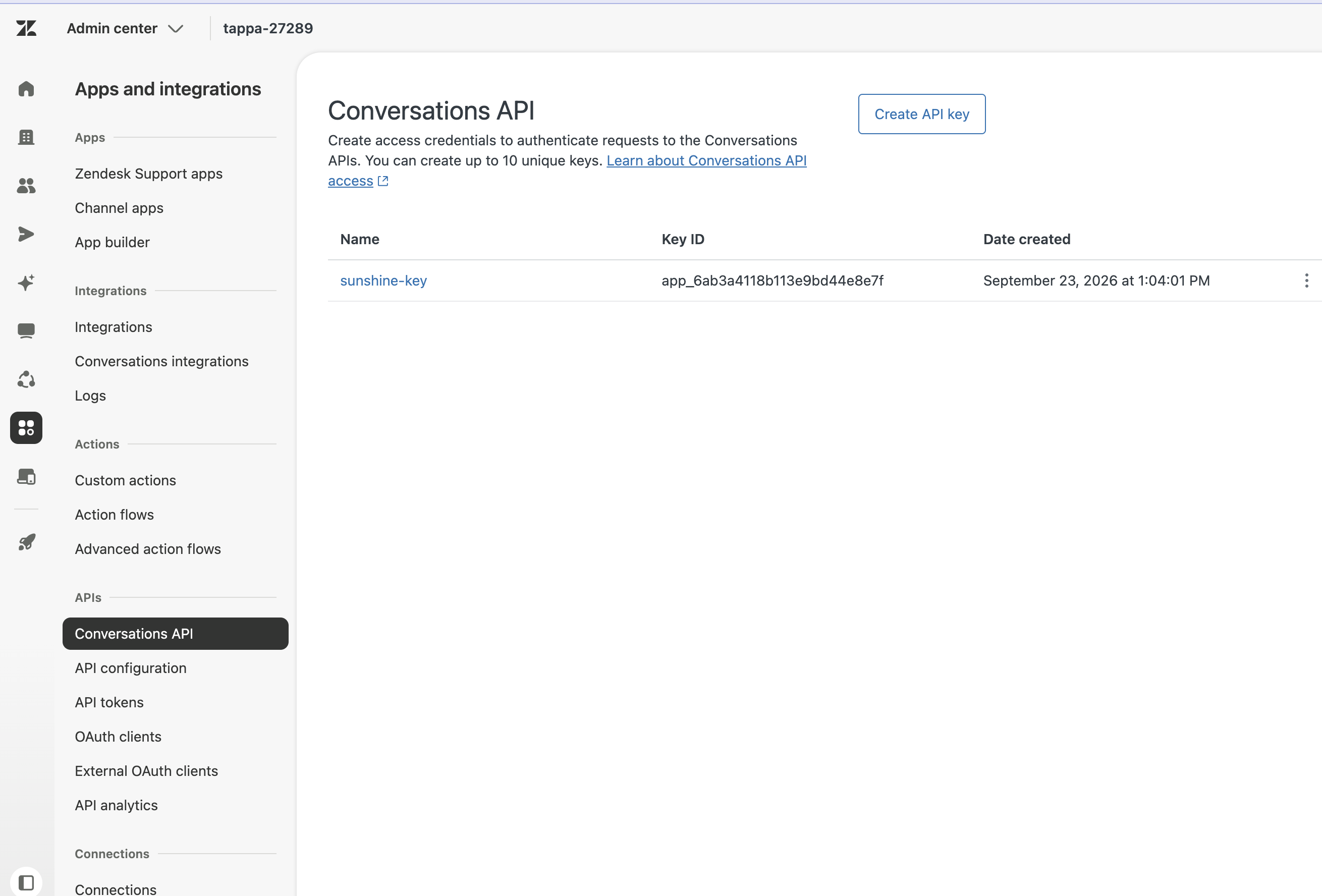
In Zendesk Admin Center, go to Apps and integrations, then APIs, then Conversations API.
 —
—
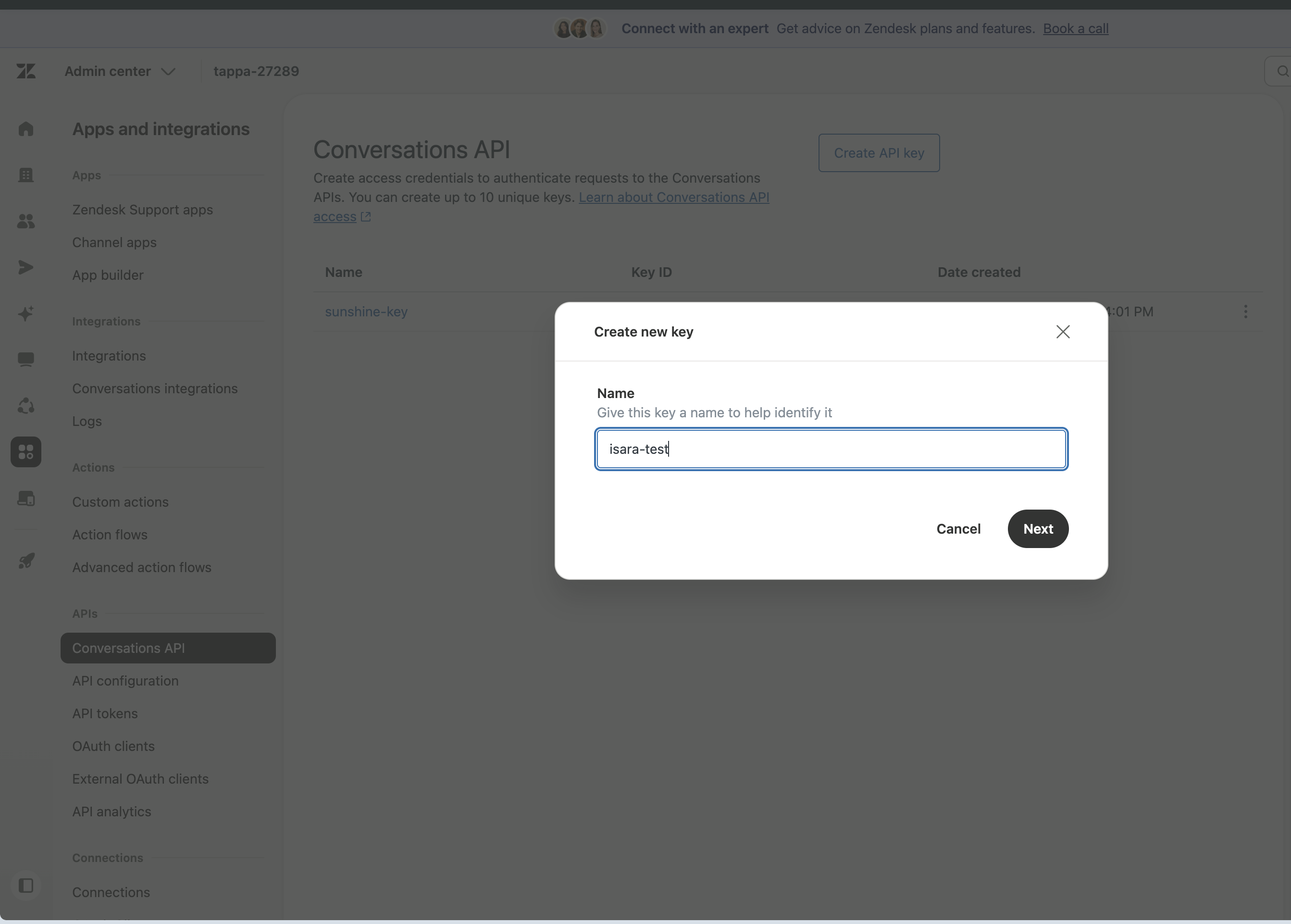
Create a new API key just for Isara and give it a name and click Next
 —
—
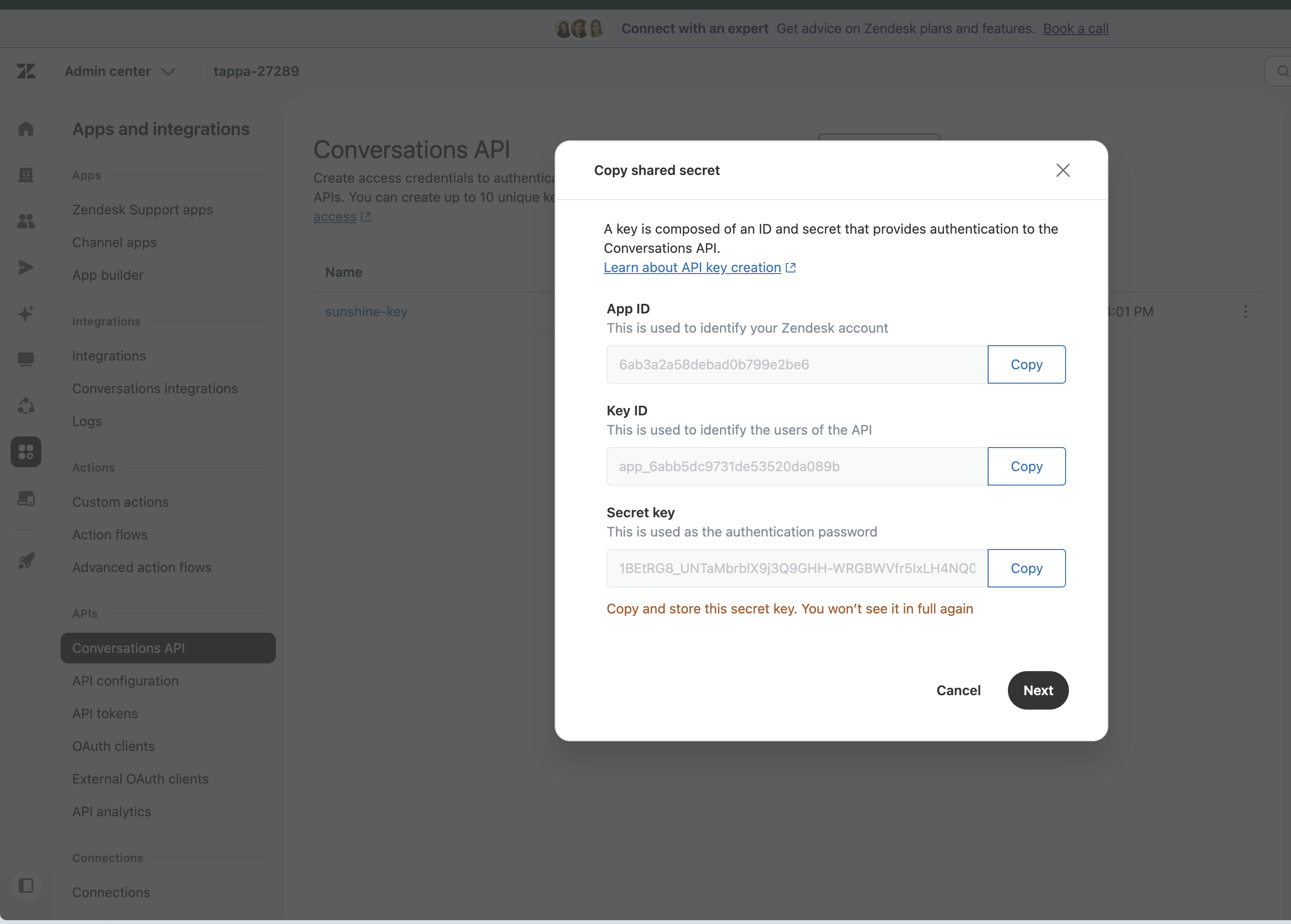
Copy the App ID, Key ID and Secret key. Zendesk only shows the secret once, so keep that page open until you have entered it in Isara.
 —
—
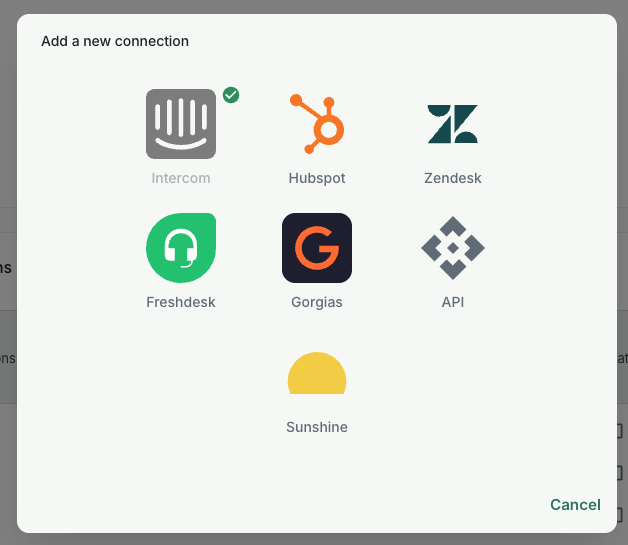
In Isara, open Account & Settings, go to the Connections panel and add a new Sunshine Conversations connection.
 —
—
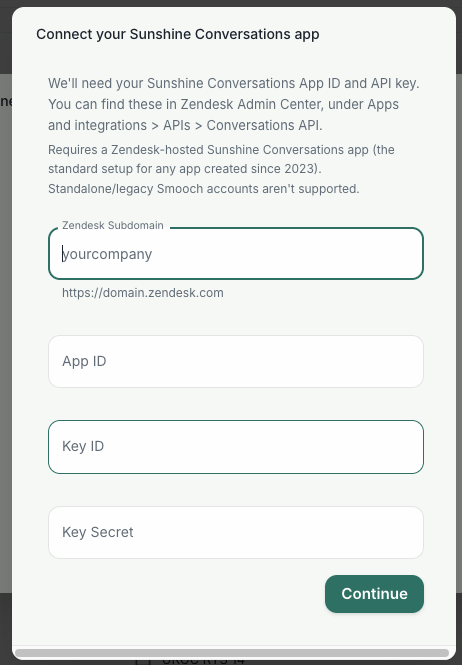
Enter your Zendesk subdomain, App ID, Key ID and Secret key.
 ---
---
Your connection will be created and Isara will start analysing your conversation.
We suggest that you keep "Skip conversations already captured by Zendesk" ticked, in case some of your conversations are in both systems.
