Isara integration with Intercom
Isara analyzes your Intercom support data to surface critical customer health and success signals.
Intercom integration
- Already have an Intercom Account?
- Access Isara at
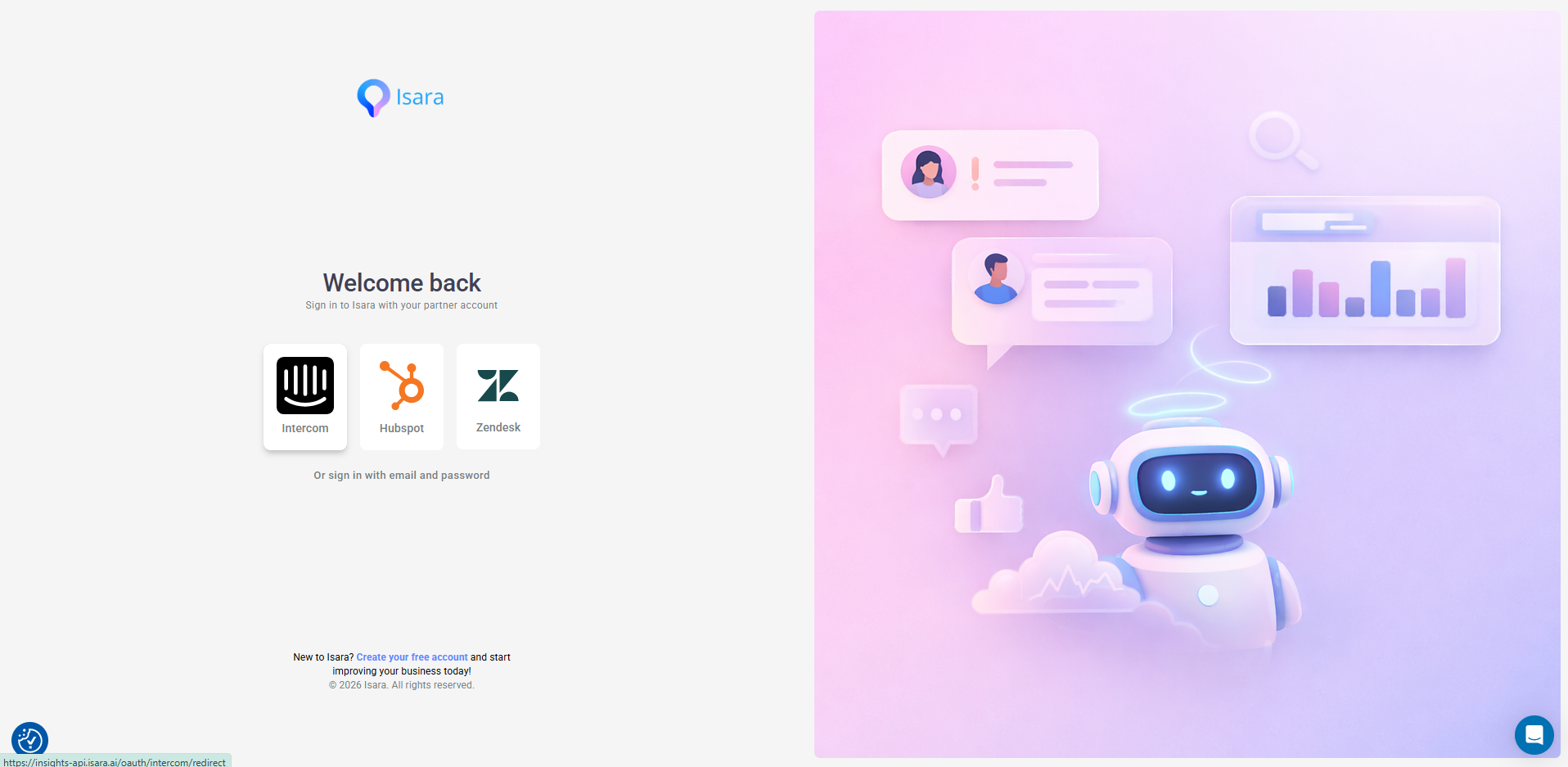
Insights.Isara.ai and select Intercom from the Registration page - you will be redirected to Intercom where you only need to authorize access to intercom's inbox conversations and your Teams.
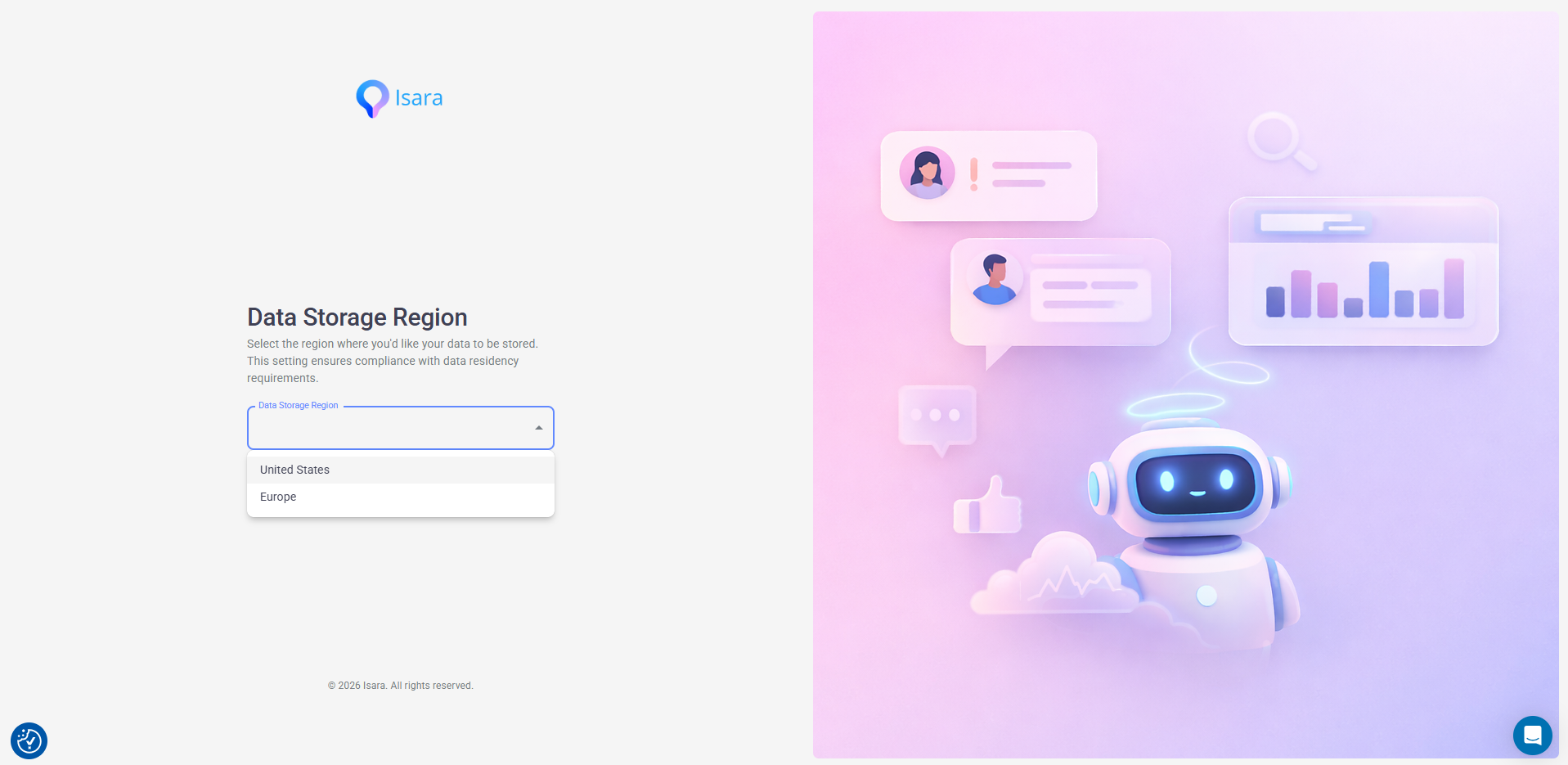
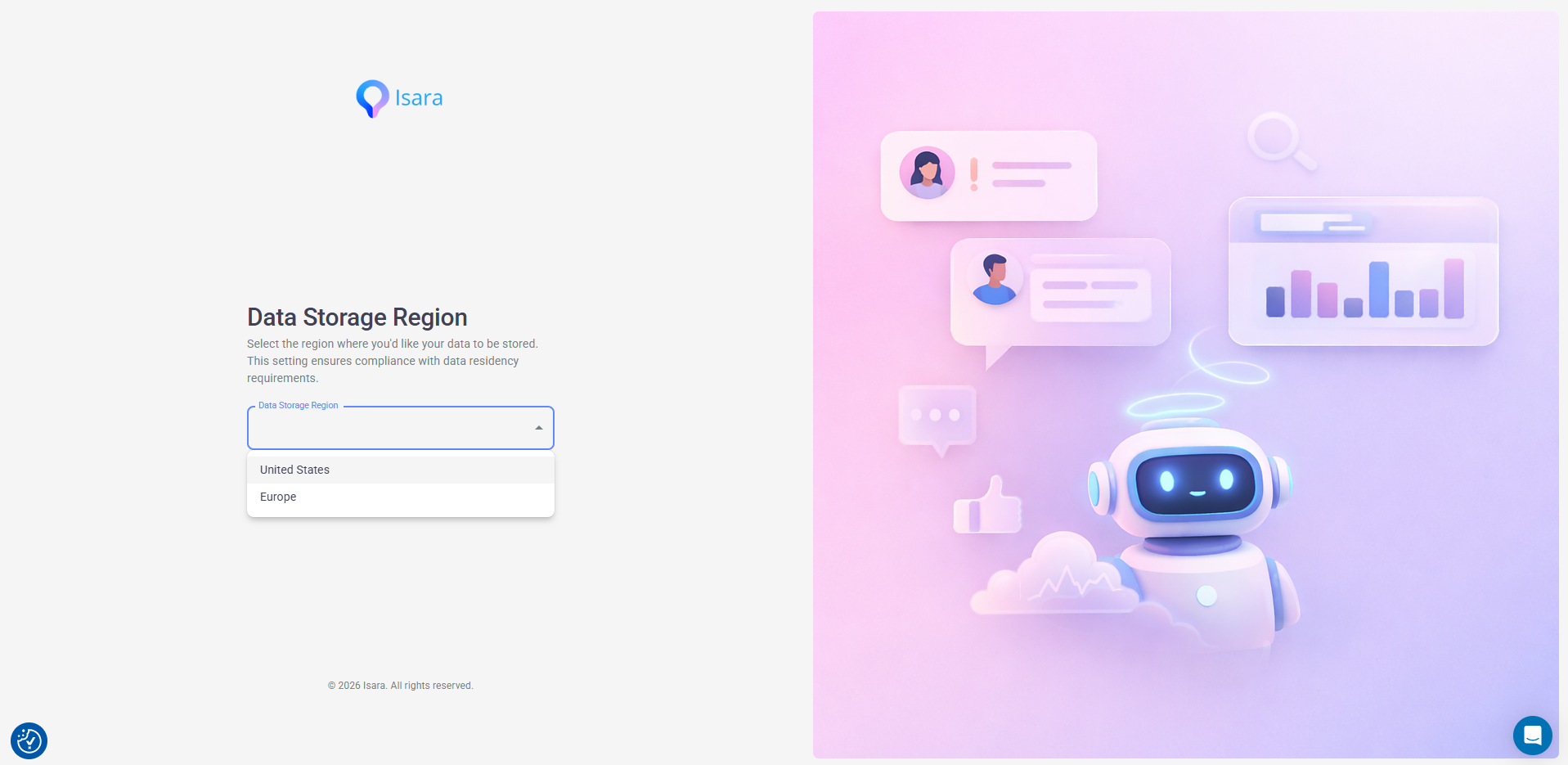
- Select the region where you'd like to store your data:
Or, Simply visit the
- Search for Isara
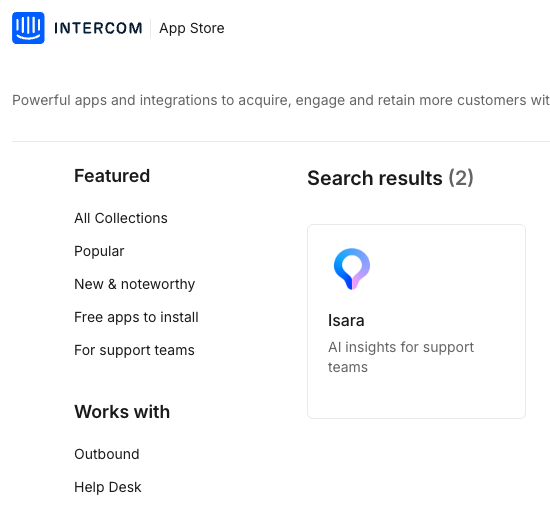
- Click "Install now".
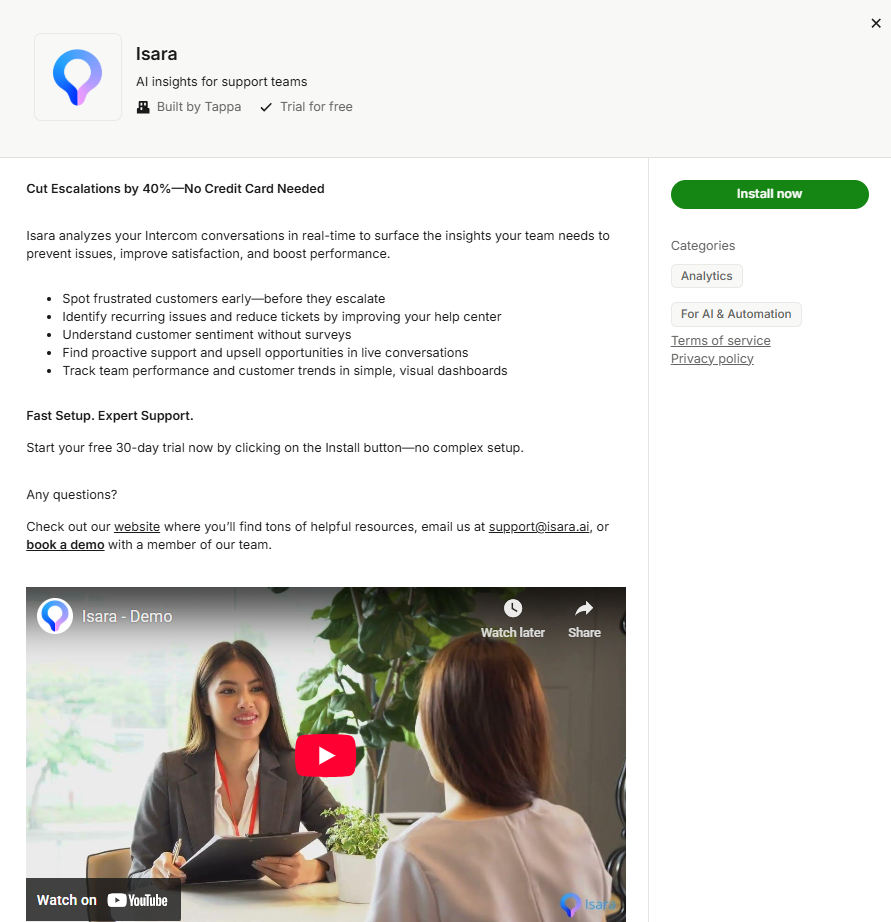
- You will be asked to authorize access to Intercom's Inbox conversations and your Teams. You will also be asked to choose the region you'd like for storing your data.
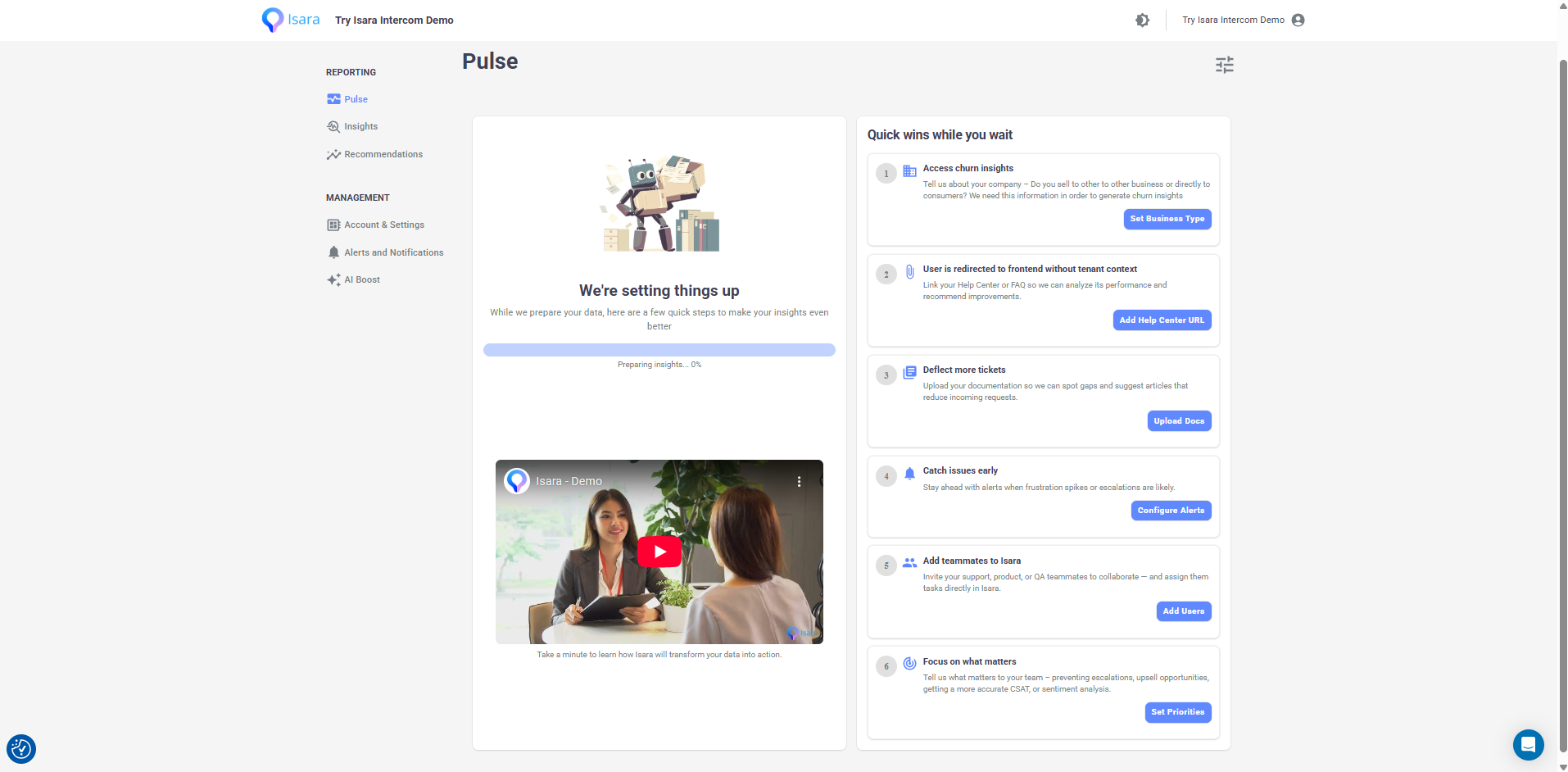
- Once you authorize access, you will be redirected to the main dashboard. Since data collection begins at this point, it may take a few hours for us to gather enough data and run our models. Please note that this is a one-time task. In the meantime, feel free to complete a quick checklist to enhance your experience.
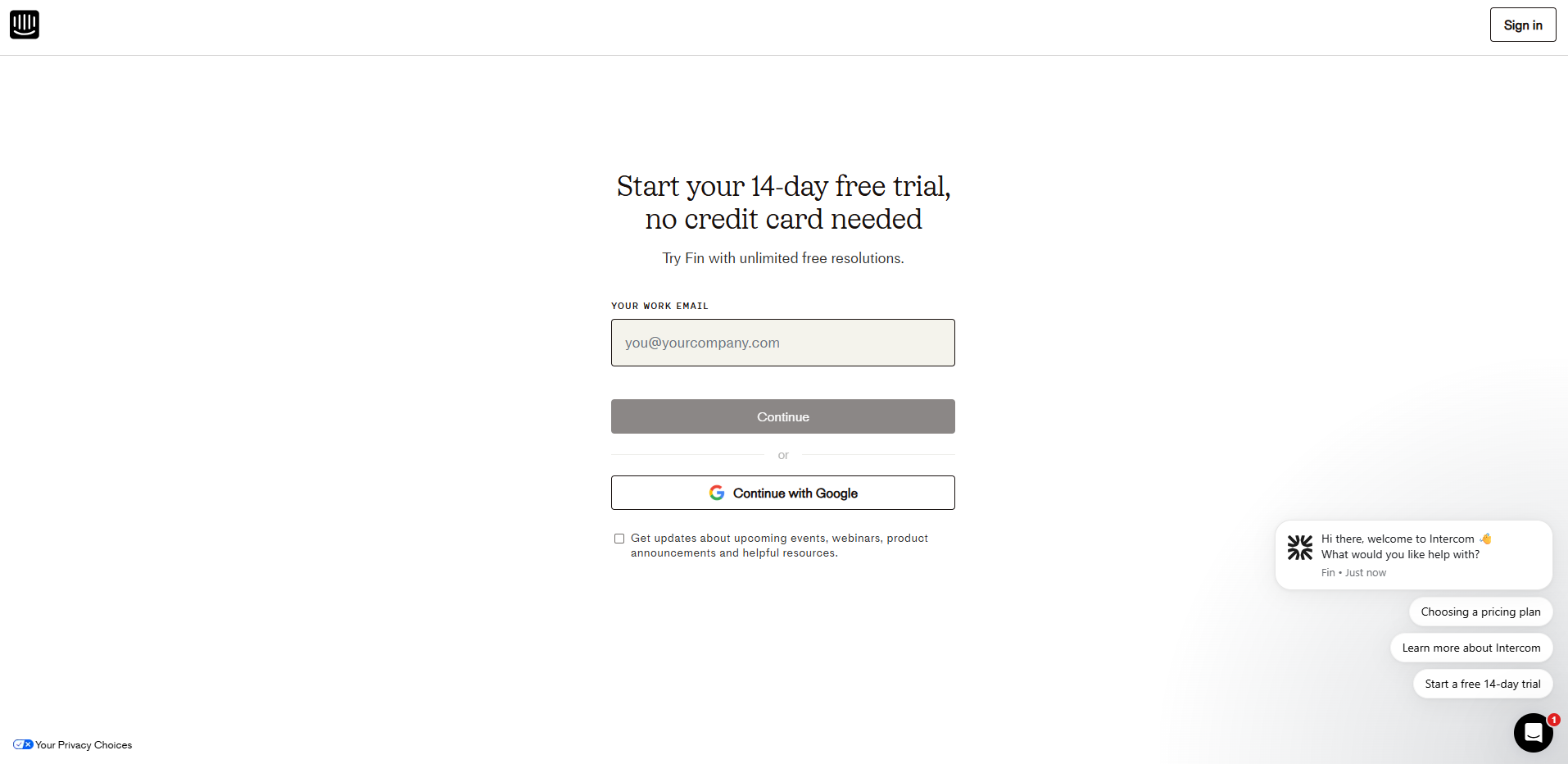
- Don't have an Intercom account?
- Visit Intercom and start your free trial. You can also use isara.ai , click the Intercom icon, and your Intercom onboarding will be launched. Follow basic steps and choose your preferences.
- Once your Intercom account is ready, access Try Isara at isara.ai and select Intercom from the Sign In page.