
Isara integration with Freshdesk
Isara analyzes your Freshdesk support data to surface critical customer health and success signals.
Freshdesk Integration
I. Register via Isara
- Navigate to the Isara Register page (ISARA.AI) and select the Freshdesk icon.

- In the next screen, we require your Freshdesk domain and your JWT token
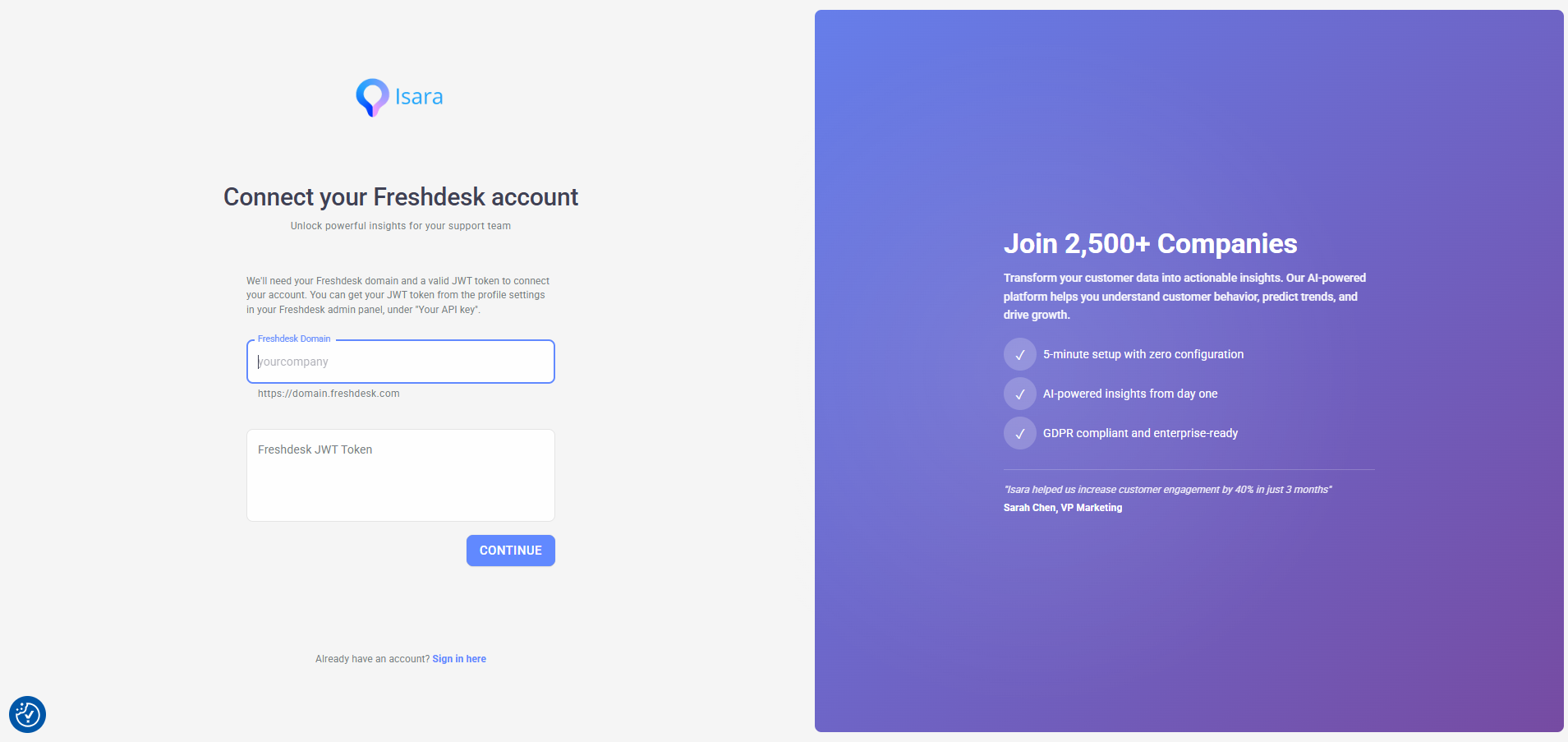
- You can get the domain from the URL of your Freshdesk website (e.g. company-name.freshdesk.com)
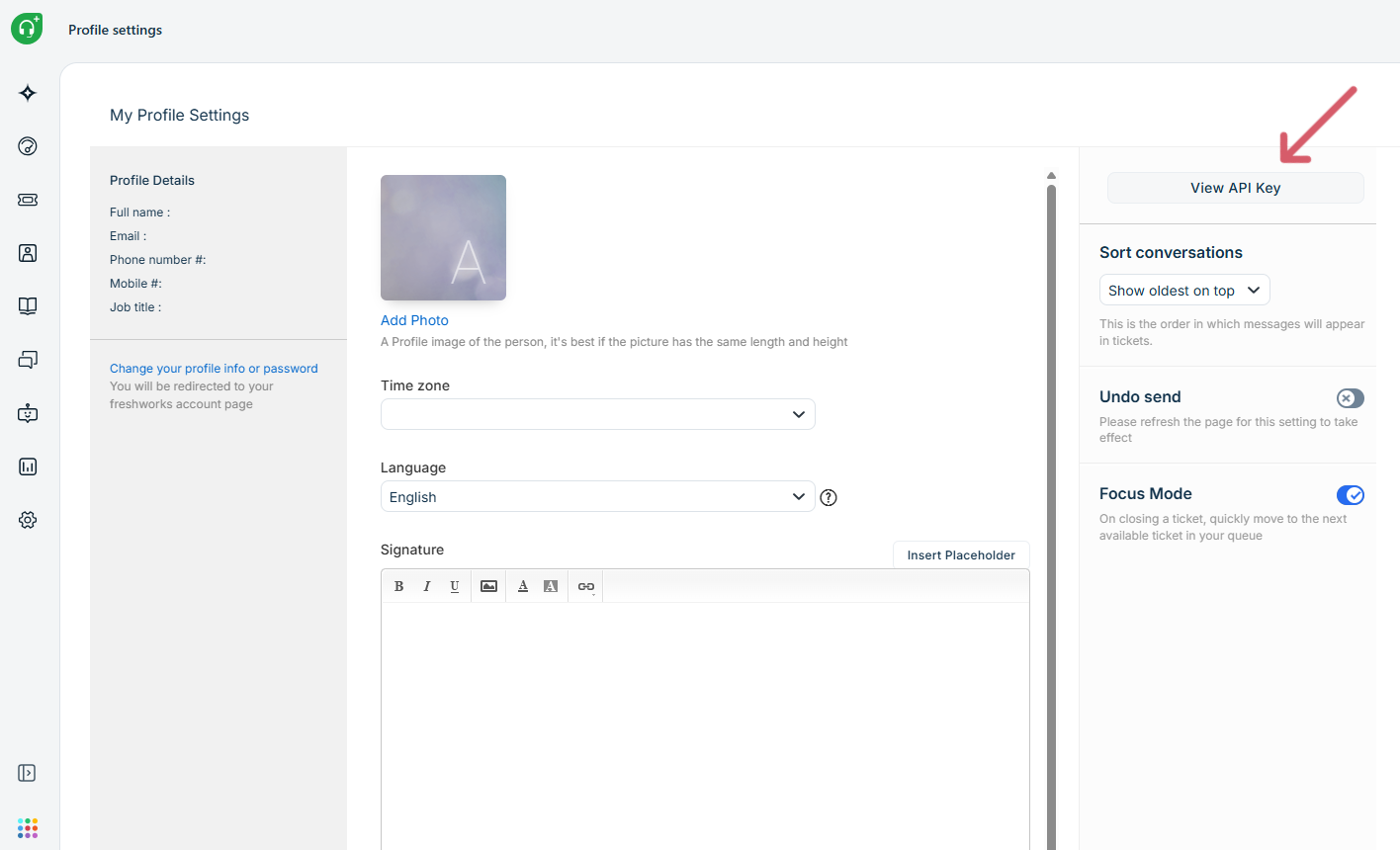
- You can grab your token in seconds: just head to your Freshdesk Profile Settings (via your profile icon) and click View API Key on the right side of the screen.
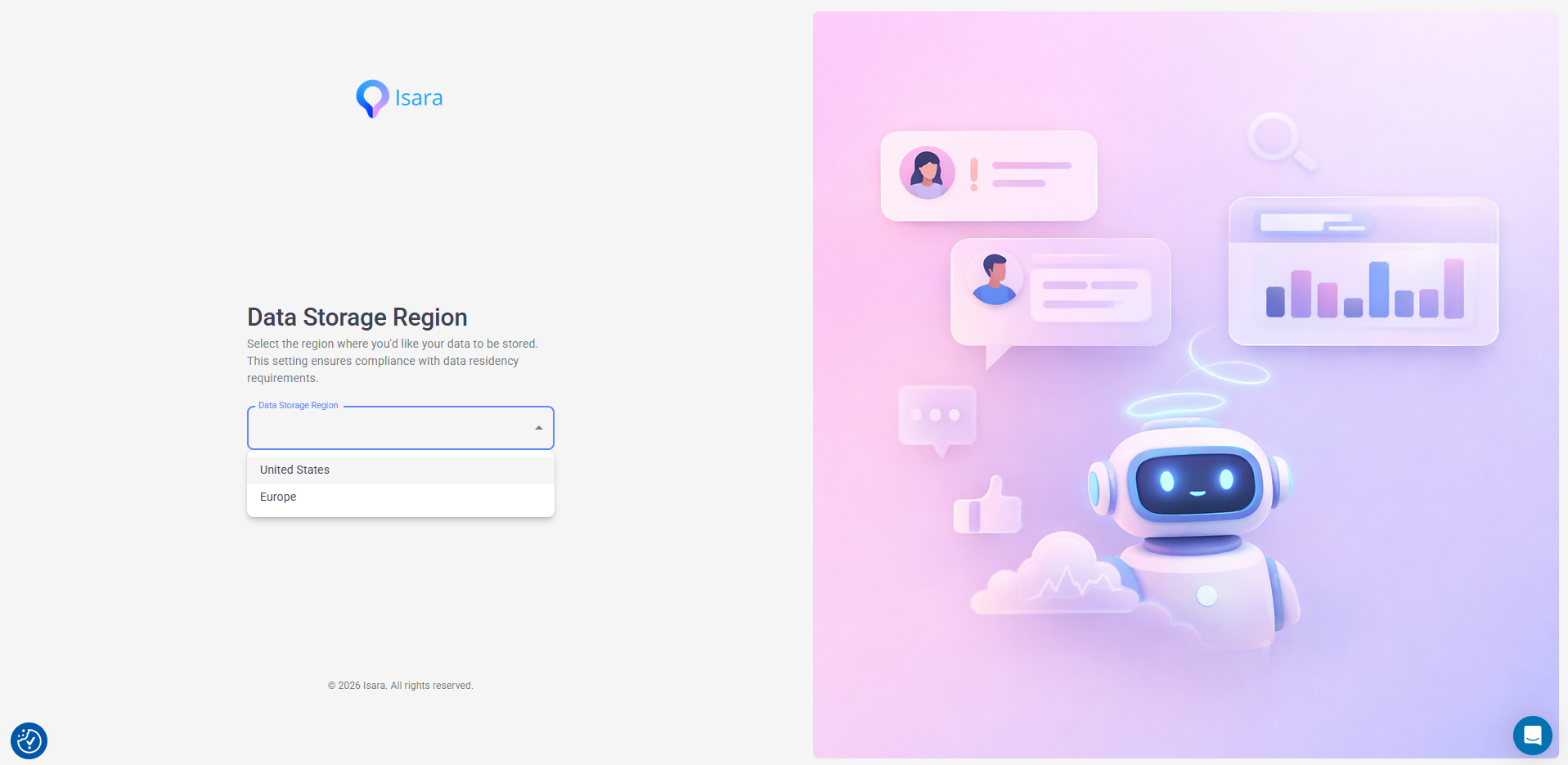
- Accept permissions and select the region where you would like your data to be stored:
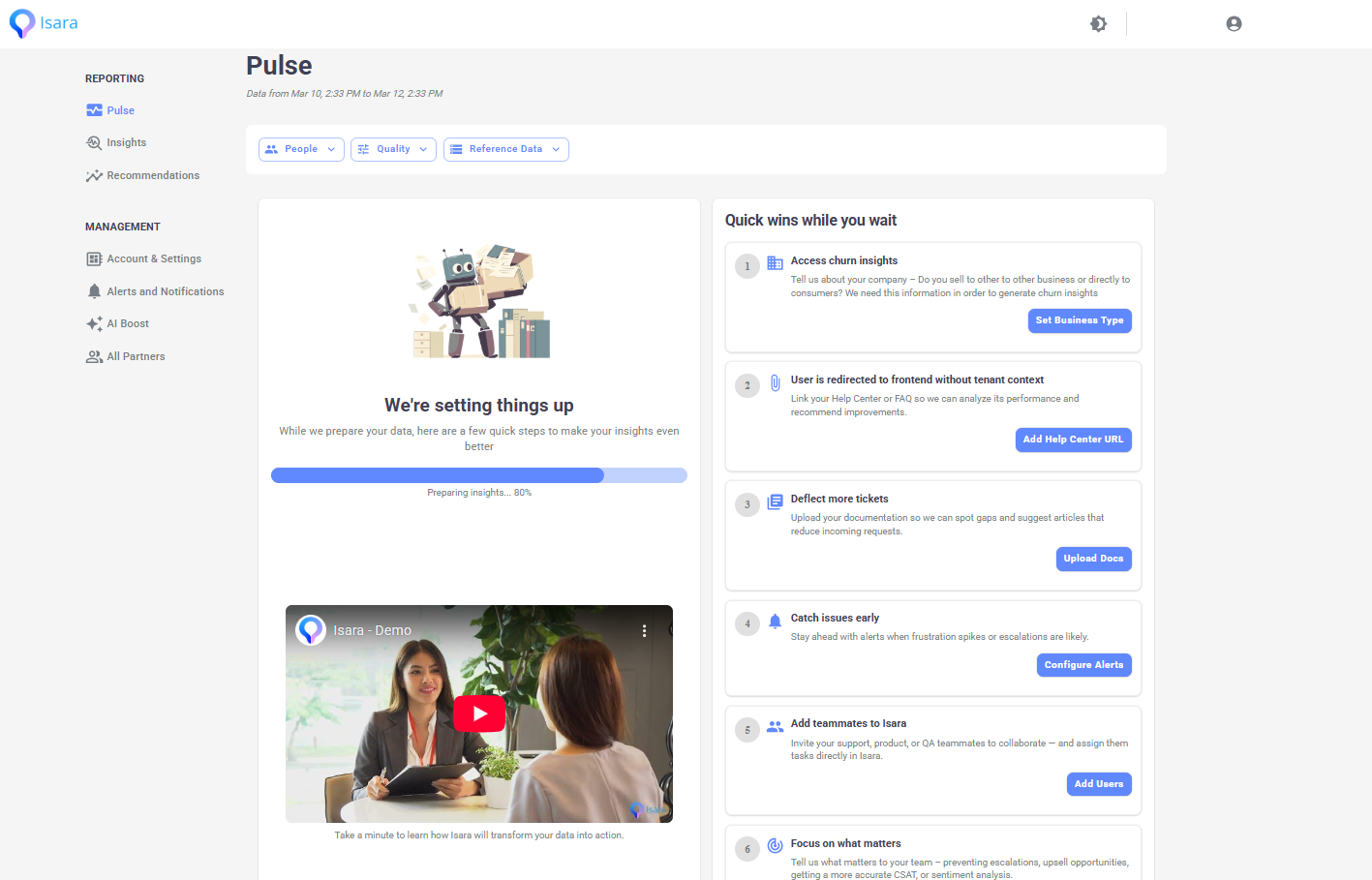
- After authorization, you'll be redirected to the main dashboard. Data collection starts now, but it may take a few hours for us to gather the necessary data and run our models. This is a one-time setup task. While you wait, you can complete the quick checklist to enhance your experience.
II. Register via Freshworks Marketplace
- Access the Freshworks Marketplace available at https://www.freshworks.com/apps/
- Search for Isara.
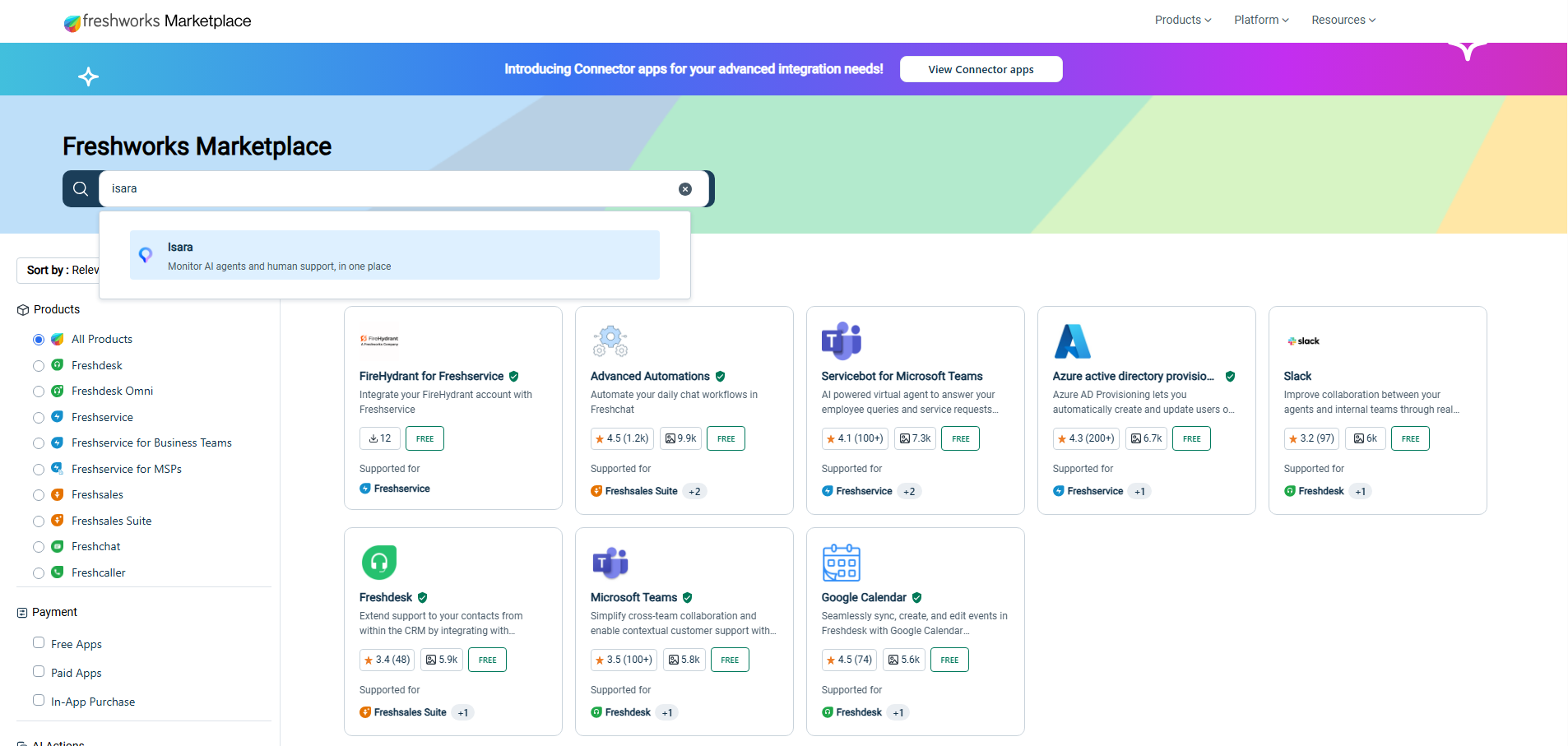
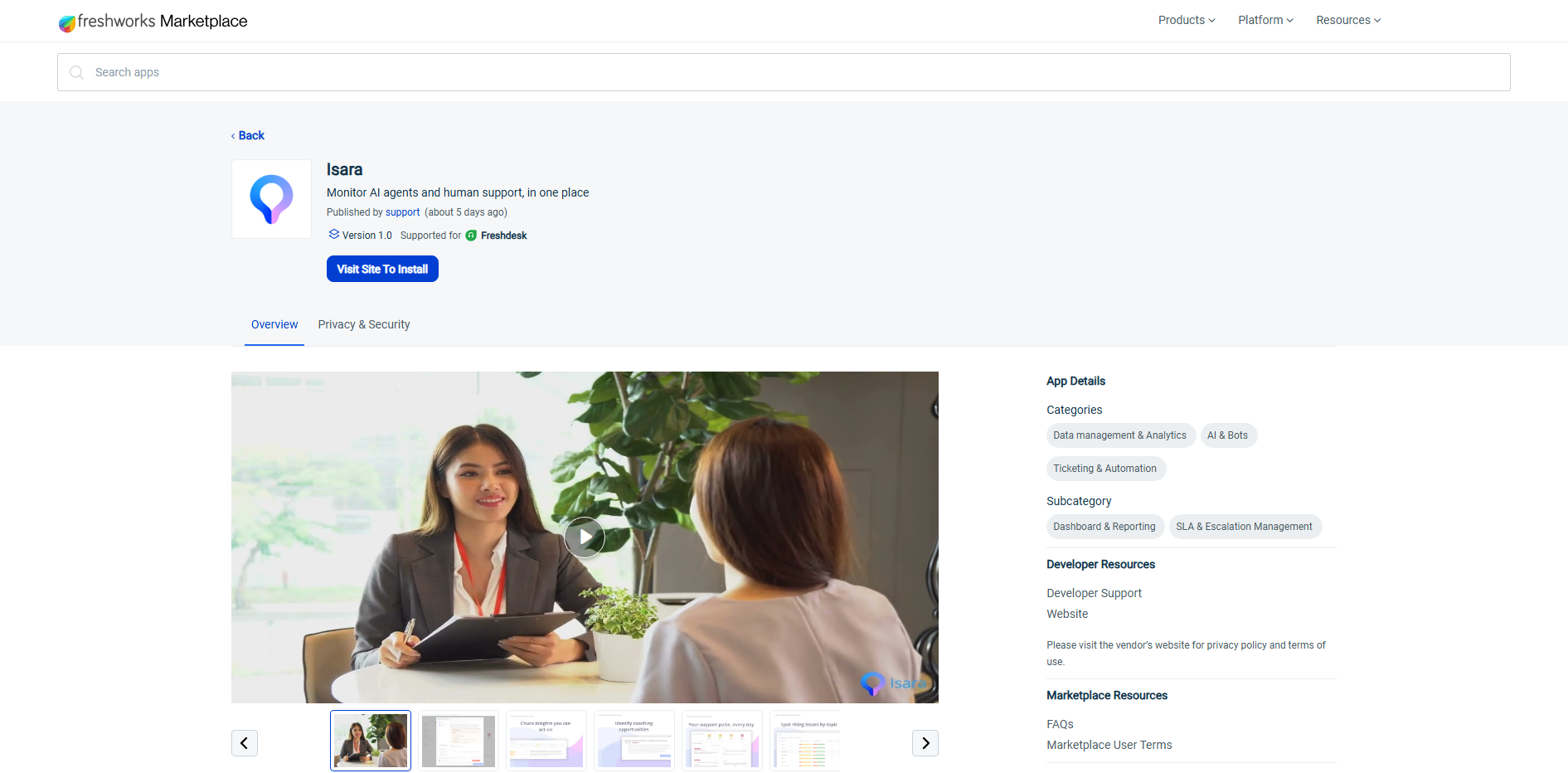
- Click "Visit Site to Install".
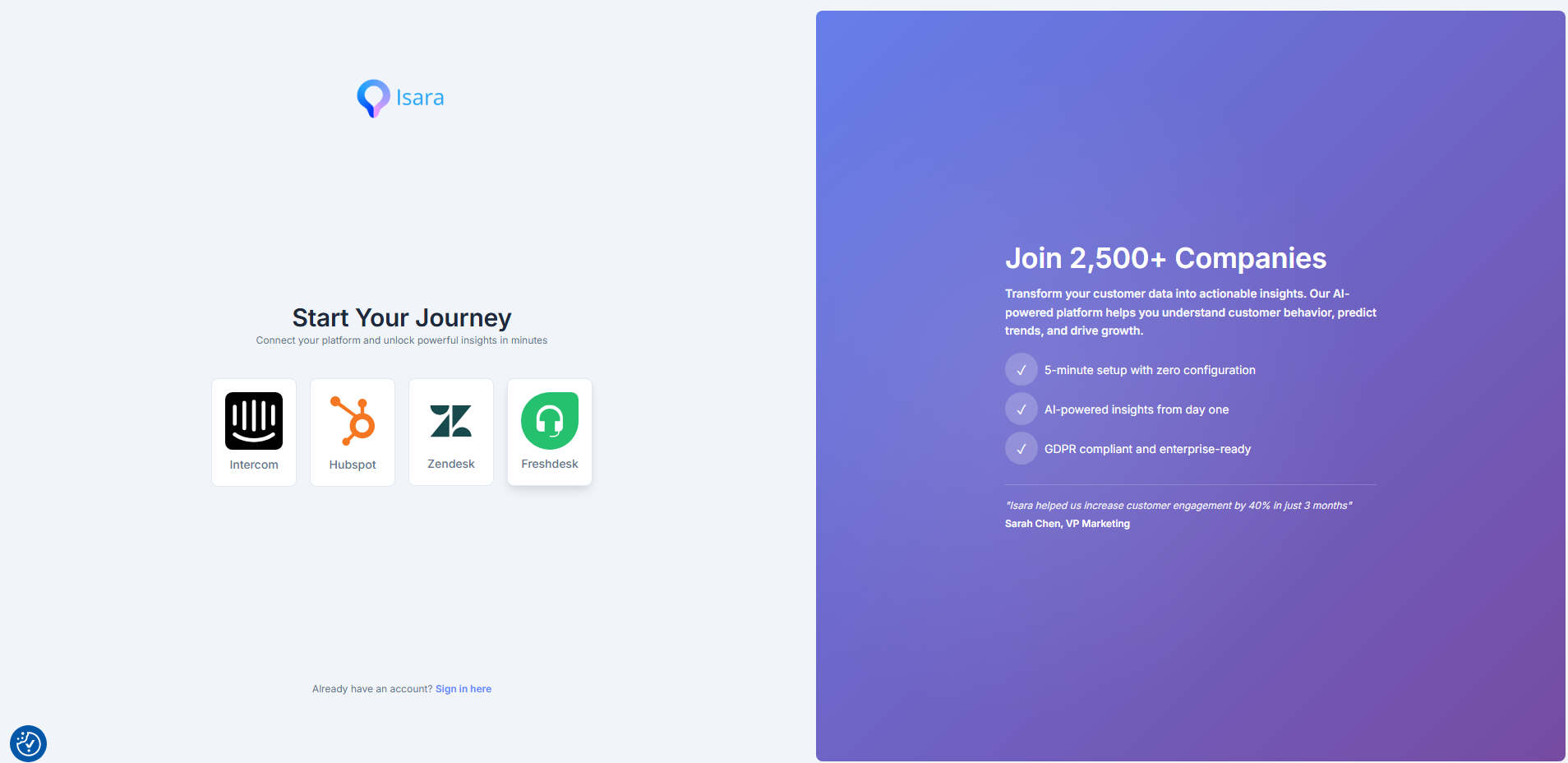
- Select the Freshdesk register button.
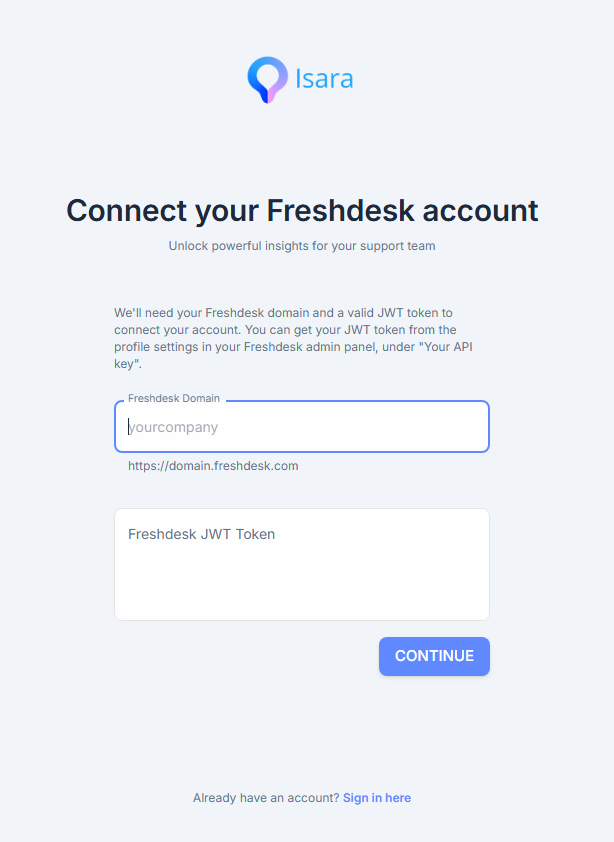
- Add your Freshdesk domain and API token
- You can get the domain from the URL of your Freshdesk website (e.g. company-name.freshdesk.com)
- You can grab your token in seconds: just head to your Freshdesk Profile Settings (via your profile icon) and click View API Key on the right side of the screen.
- Accept permissions and select the region where you'd like your data to be stored. After authorization, you'll be redirected to the main dashboard. Data collection starts now, but it may take a few hours for us to gather the necessary data and run our models. This is a one-time setup task. While you wait, you can complete the quick checklist to enhance your experience.
Updated 2 months ago
Did this page help you?