
Isara integration with HubSpot
Isara analyzes your HubSpot support data to surface critical customer health and success signals.
HubSpot Integration
Prerequisite: HubSpot Setup
Before connecting your account, please ensure your team is using the correct HubSpot interface for customer interactions. In order for Isara to ingest and analyze your conversations, partners must use either:
- HubSpot Inbox (found under the CRM menu)
- HubSpot HelpDesk (found under the Service menu)
Conversations held outside of these specific tools will not be visible to Isara’s analysis models.
- Already have a HubSpot account?
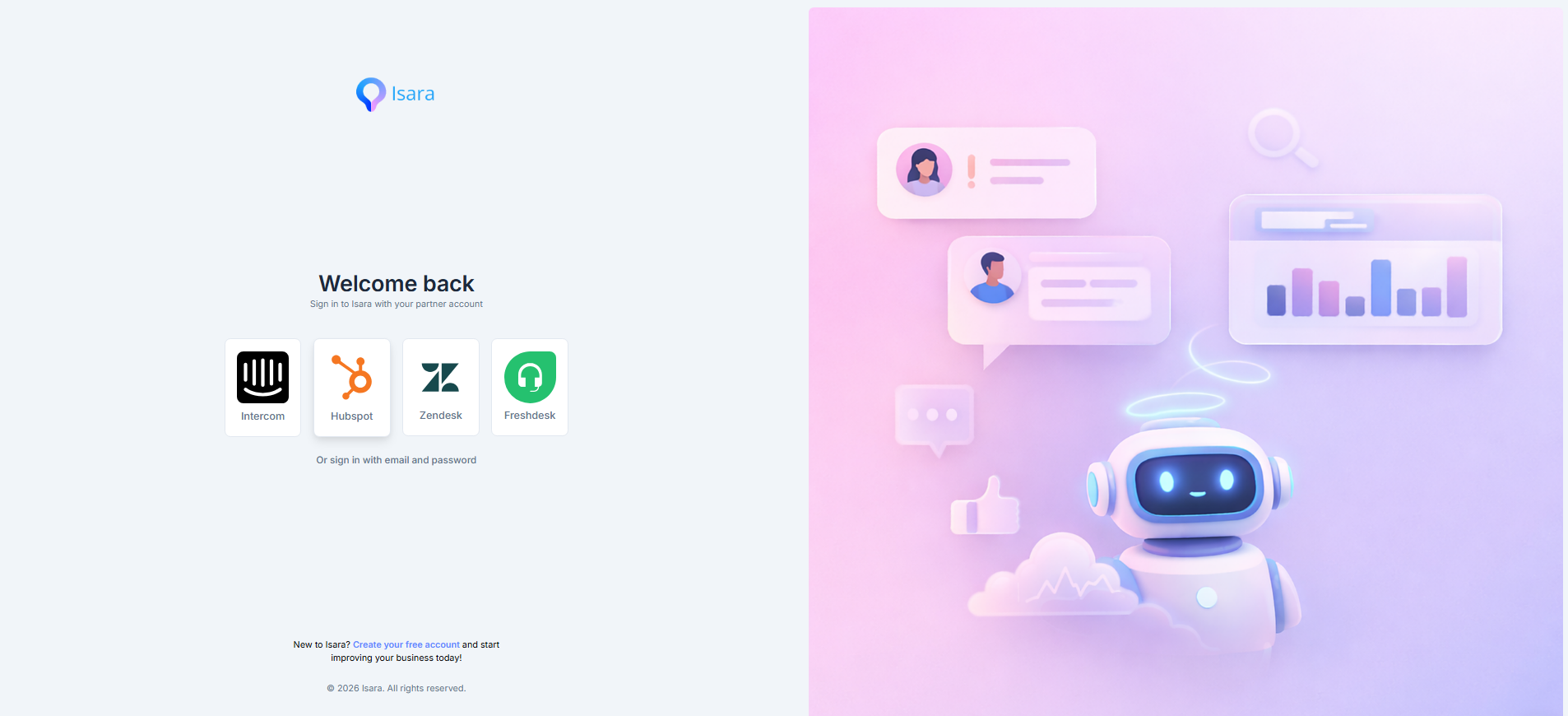
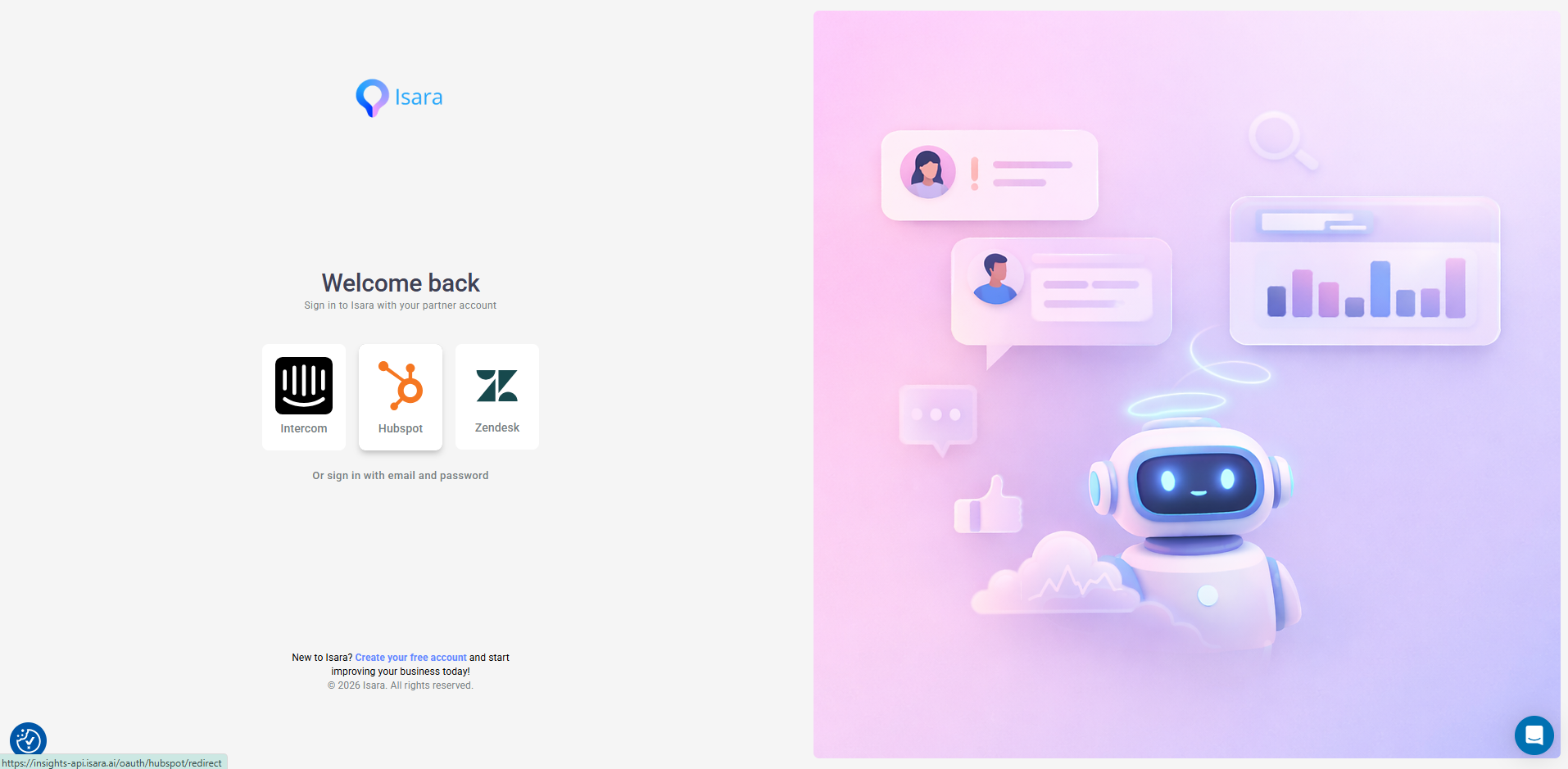
- Visit insights.isara.ai and click the HubSpot logo.
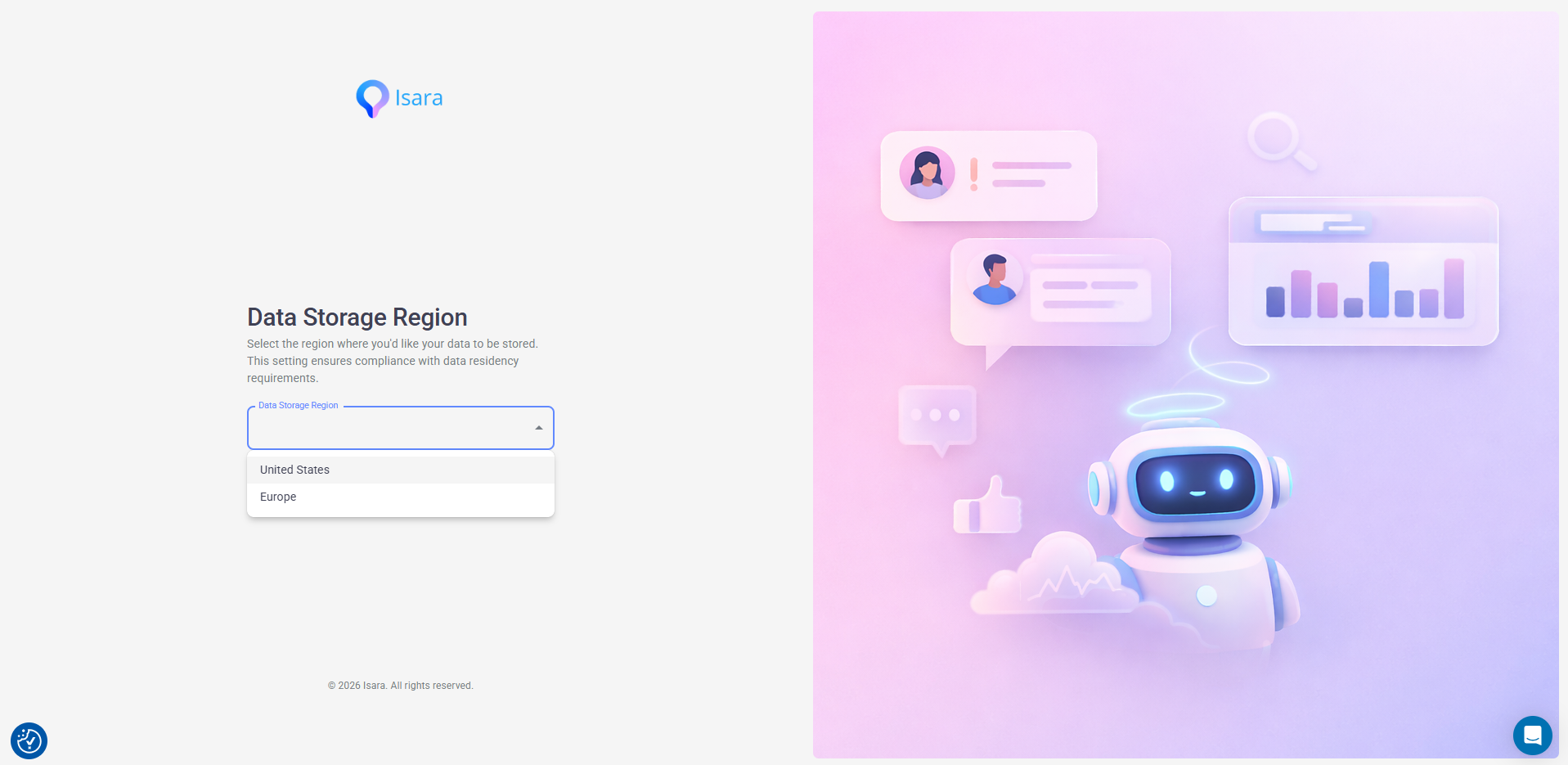
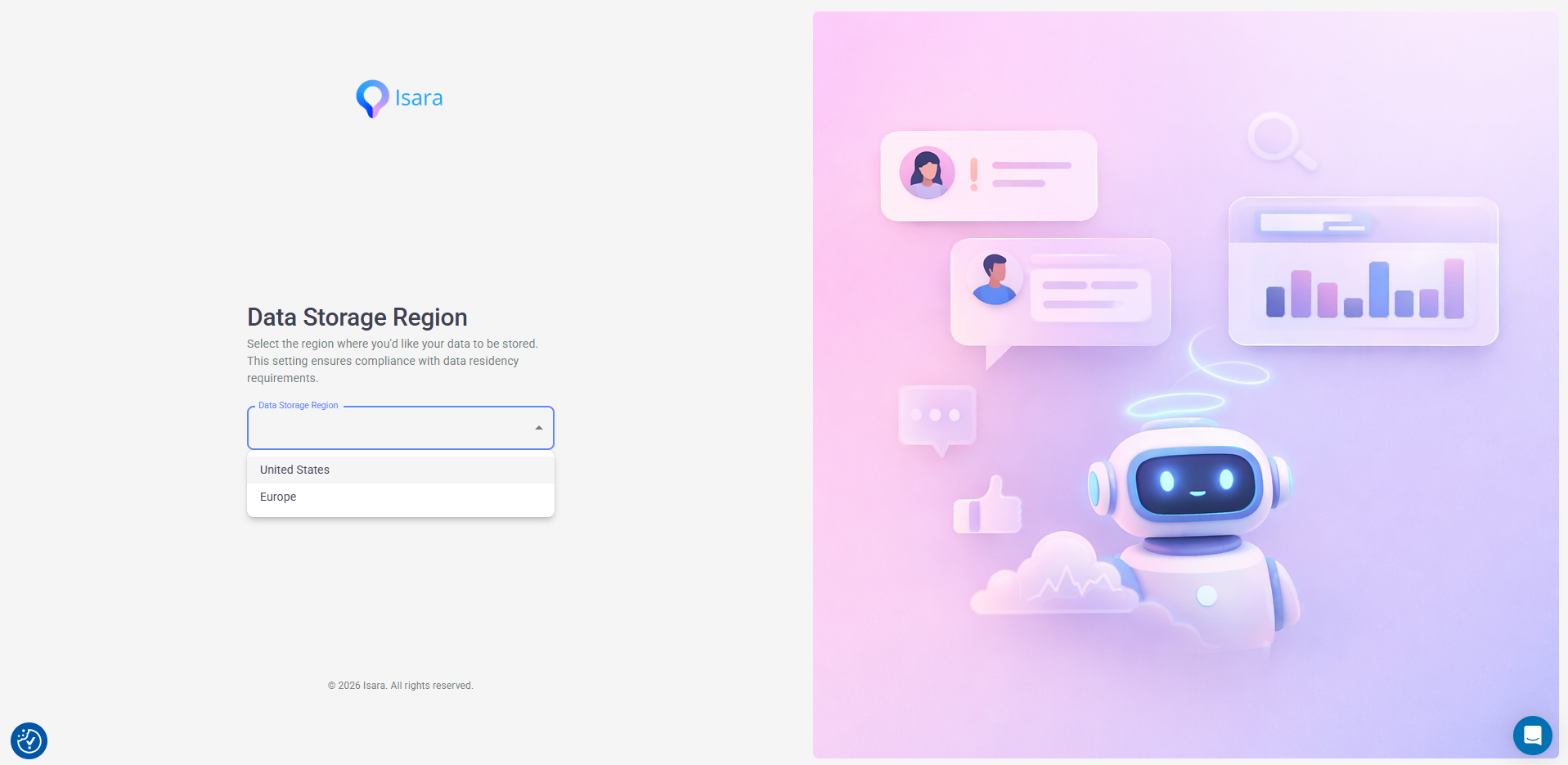
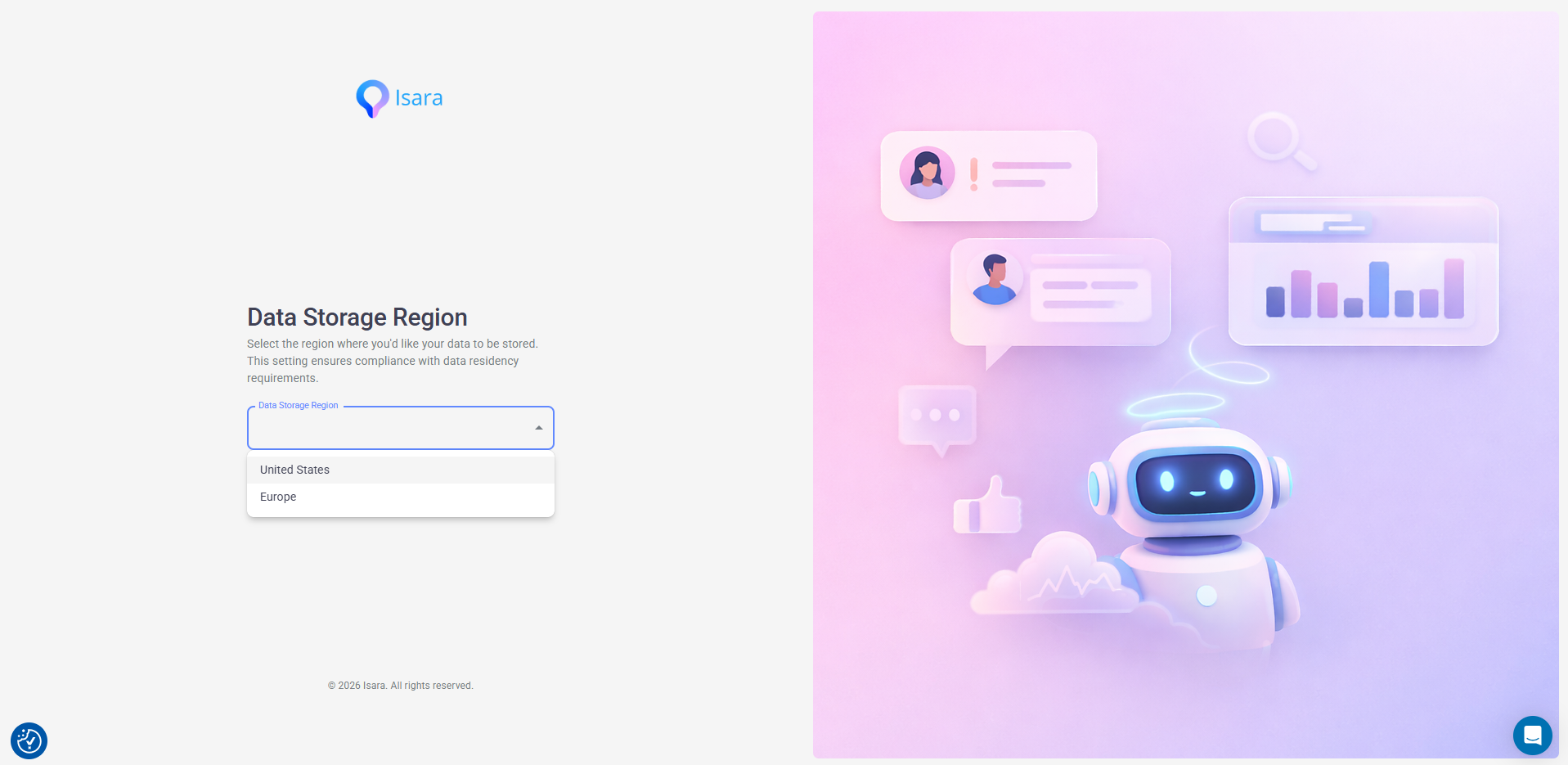
- Choose the region you would like for storing your data.
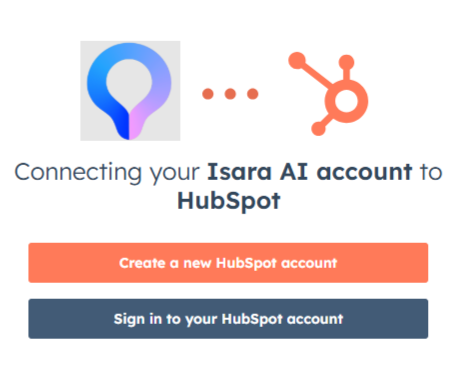
- Sign in to your HubSpot account:
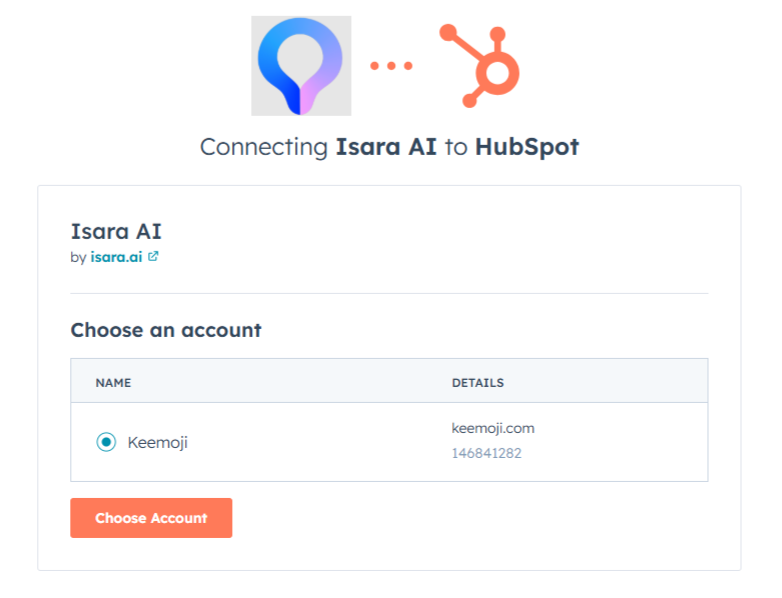
- Choose your HubSpot account:
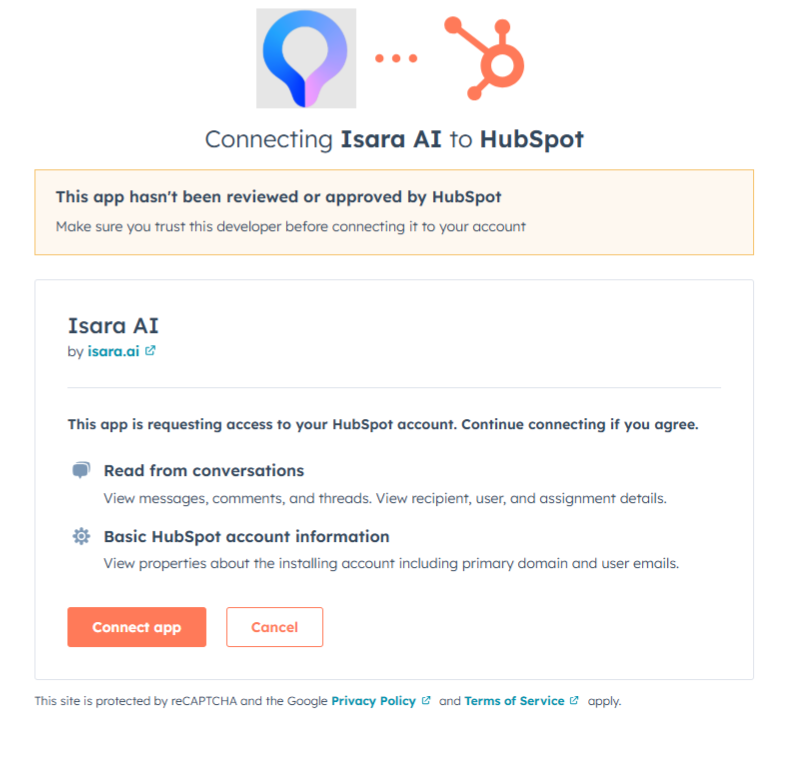
- Authorize Isara and connect the app:
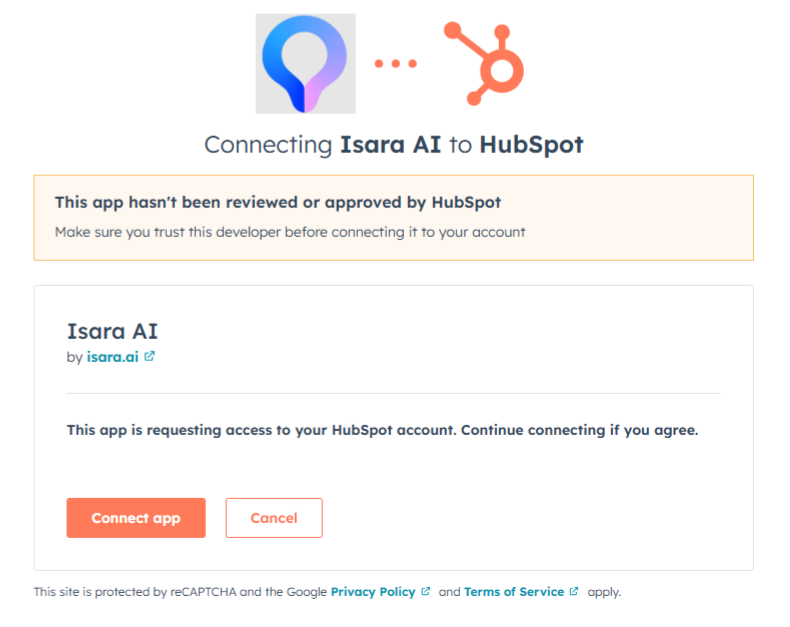
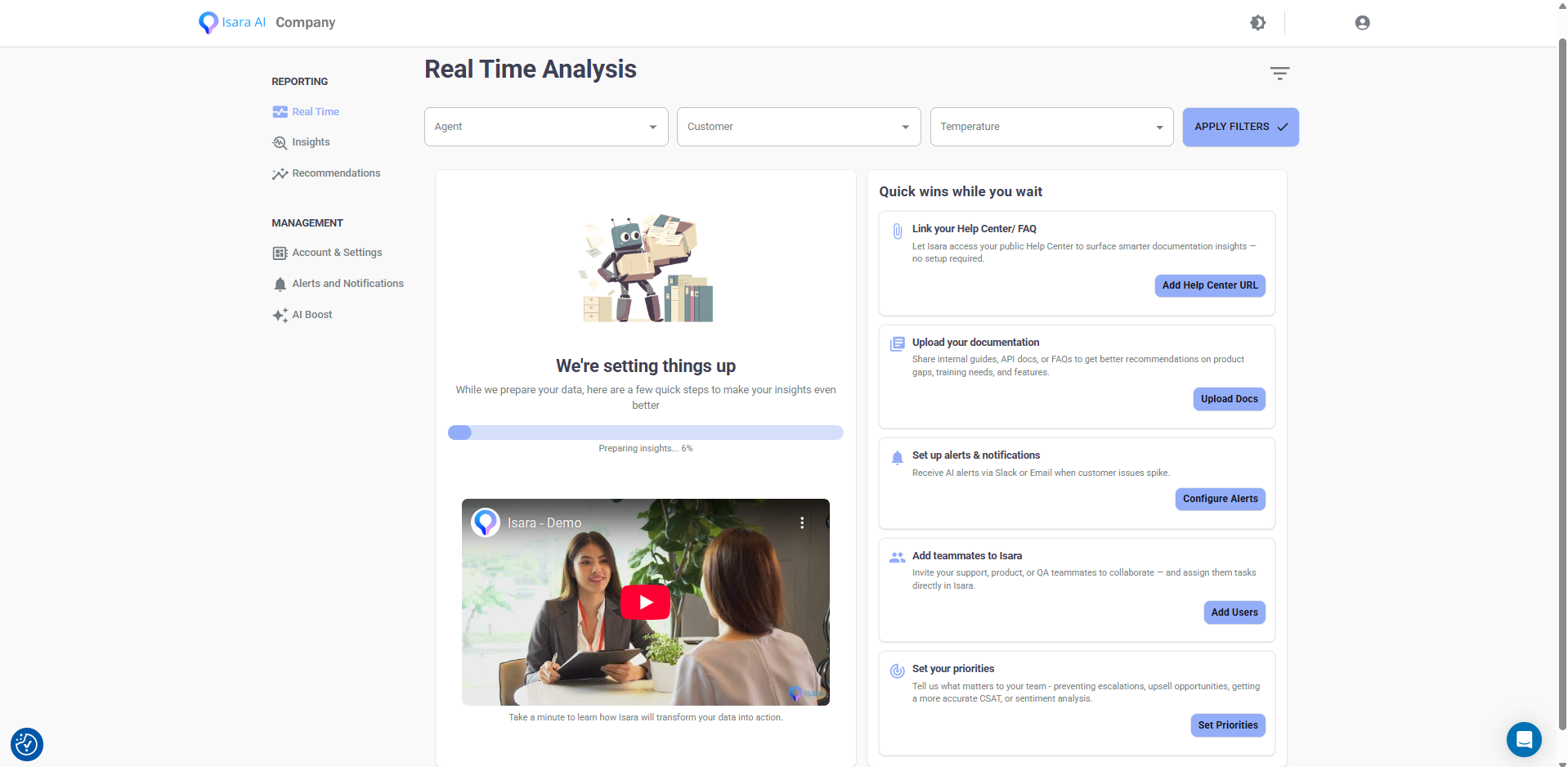
- After the consent page, you’ll be redirected to the main dashboard
Since data collection begins only at this point, it might take a few hours for us to gather all the data and run our models. Please note that this is a one-time task.
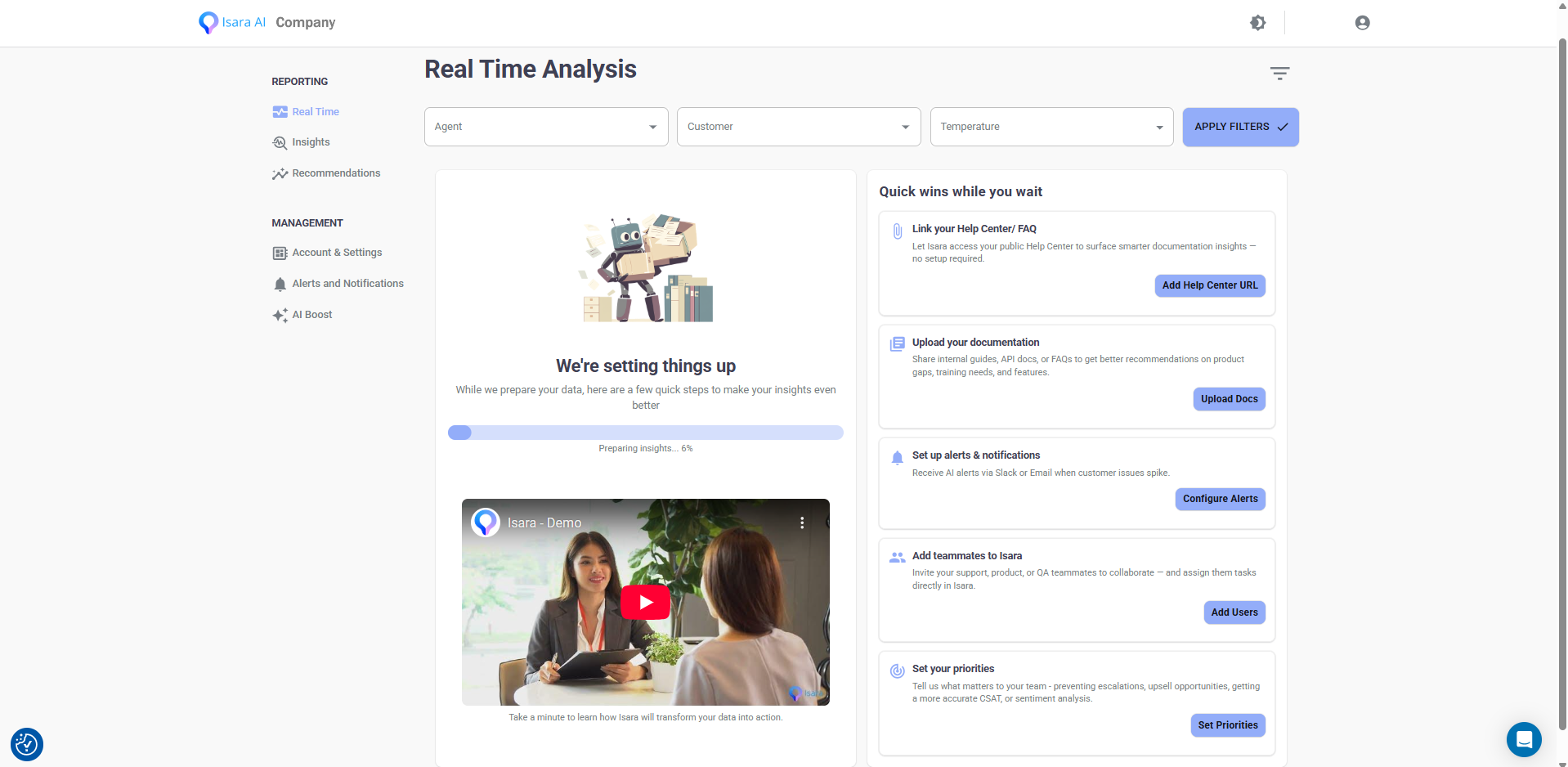
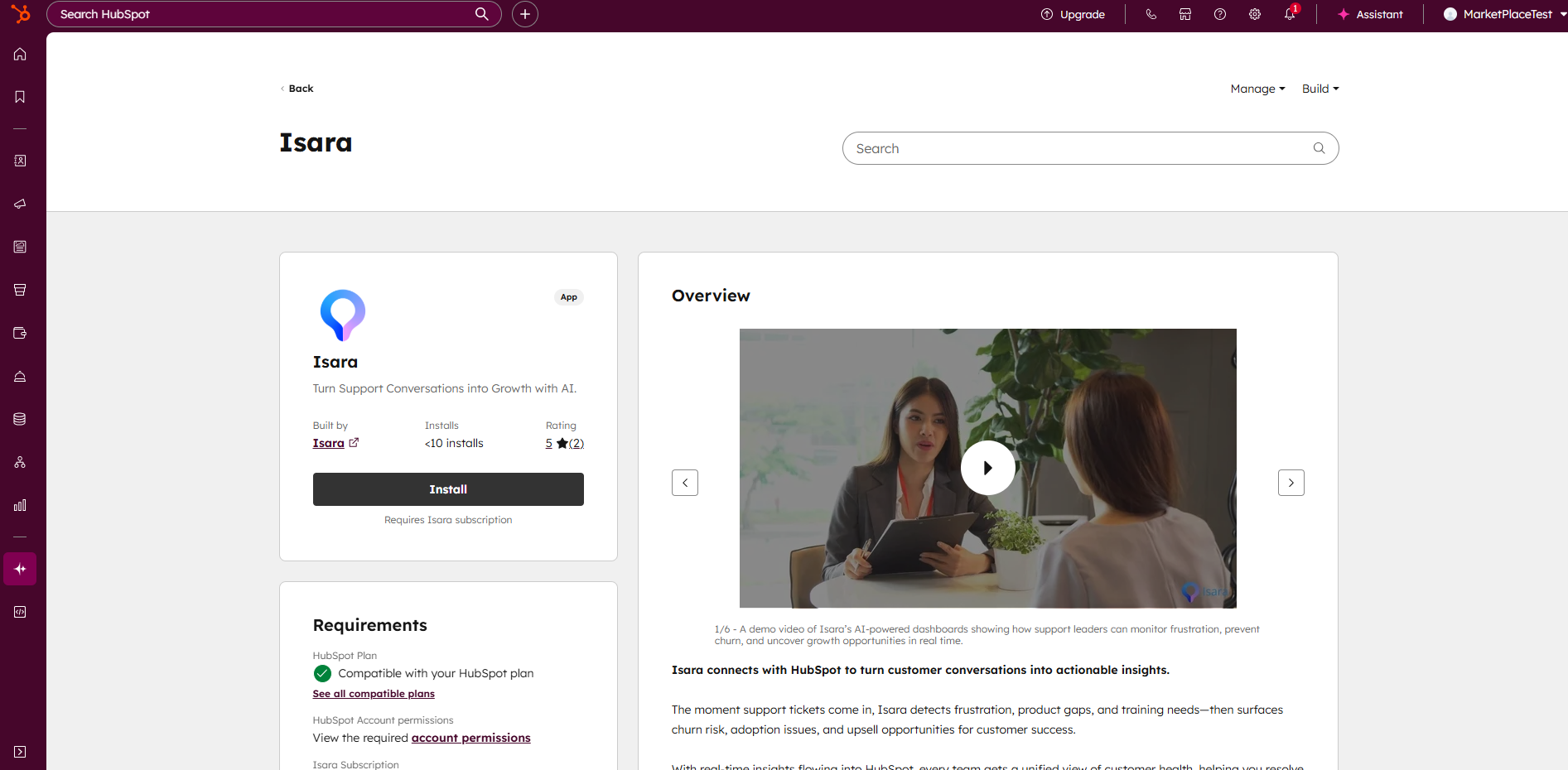
You can also find us on HubSpot's marketplace:
- On Hubspot's left-hand menu, hover over the Breeze button and select Breeze Marketplace. Search for Isara and click Install.
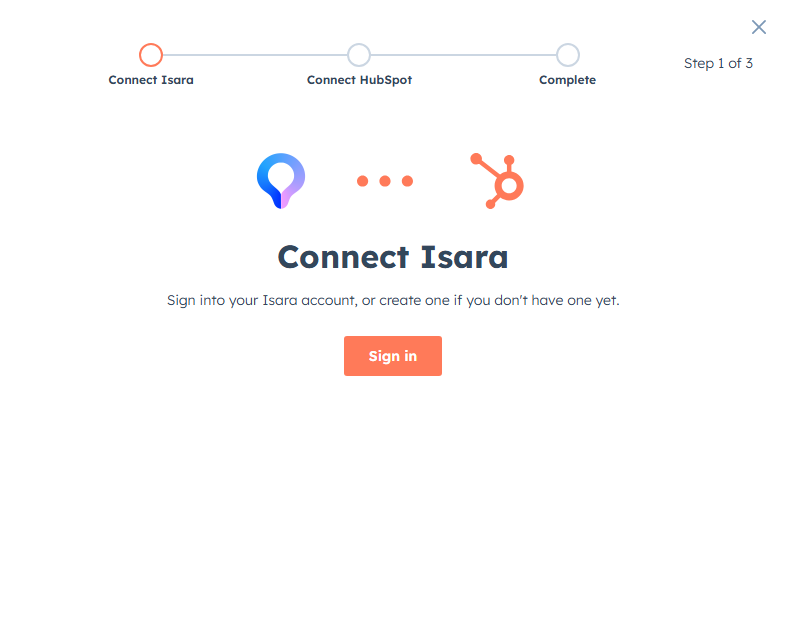
- The first step is to Sign In. Click the button and Hubspot will automatically take you to next step.
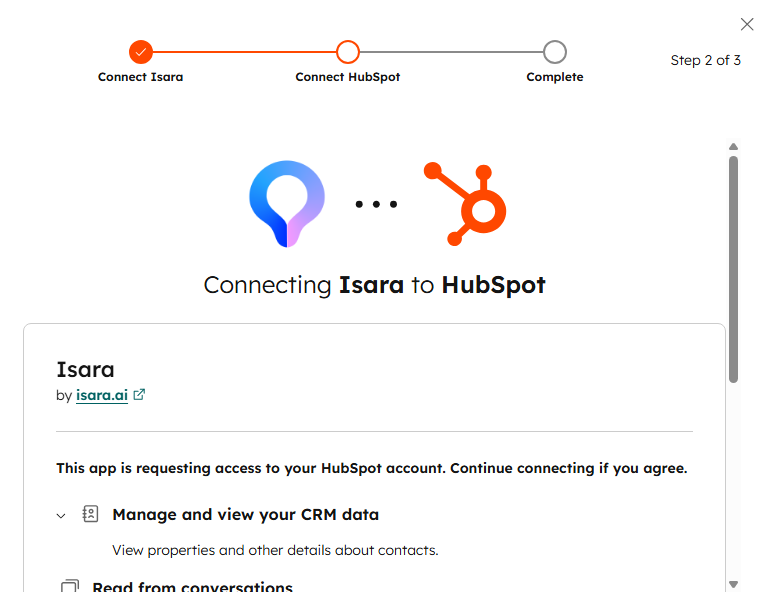
- The following screen is designed to access and connect Isara - Agree to app permissions and click "Connect app"
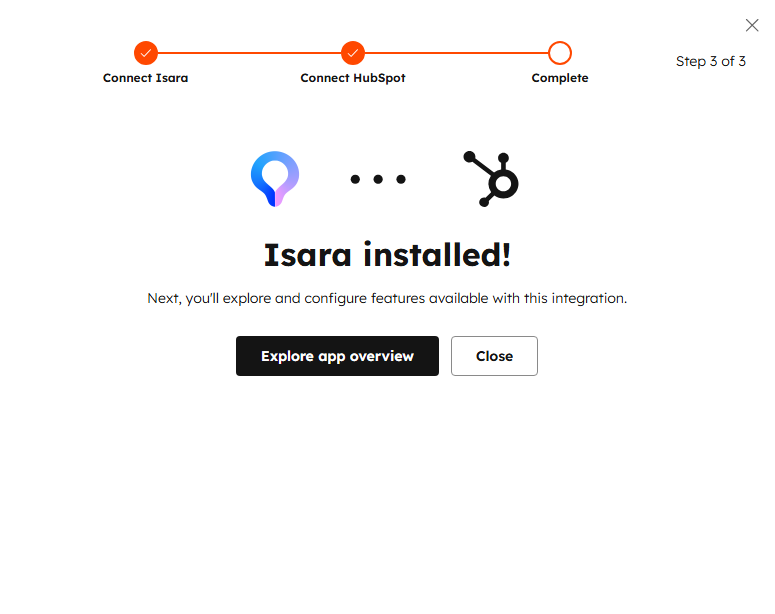
- The last step will confirm the new connection. Click "Explore app overview" to manage you Hubspot apps, or "Close" to return to your Hubspot account.
Important: there is no direct CTA in Hubspot to open Isara. Visit insights.isara.ai, click the Hubspot icon and your onboarding will start. Alternatively, check your email and access Isara from the Welcome message.
- Don't have a HubSpot account yet?
Start from Isara:
- Click the HubSpot button from the Sign In page:
- Choose the region you would like for storing your data.
- Follow the steps required by HubSpot and provide details about your company:
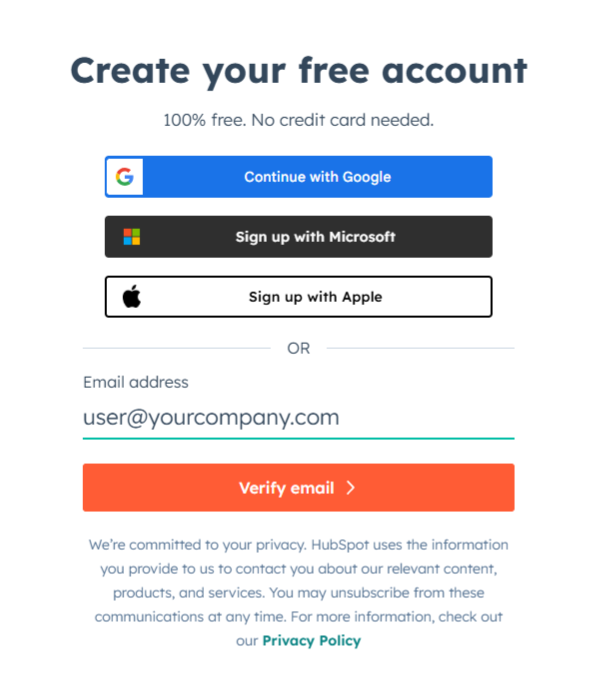
- Authorize Isara AI and connect the app. You will be asked to choose your account:
After the consent page, you’ll be asked to choose the region you'd prefer for storing your data, then will be redirected to the main dashboard.
Since data collection begins only at this point, it might take a few hours for us to gather all the data and run our models. Please note that this is a one-time task.
Uninstalling Isara
Note: If you disconnect your HubSpot account from Isara, existing insights will be deleted from Isara
To uninstall Isara from your HubSpot account, follow the instructions in this HubSpot Knowledge Base article.
Updated 2 months ago