Login and Account Creation
Account Creation and Set up
Visit insights.isara.ai and sign in using the same account you use on your helpdesk platform. All our integrations work in the same way, regardless of whether you use HubSpot, Intercom or Zendesk.
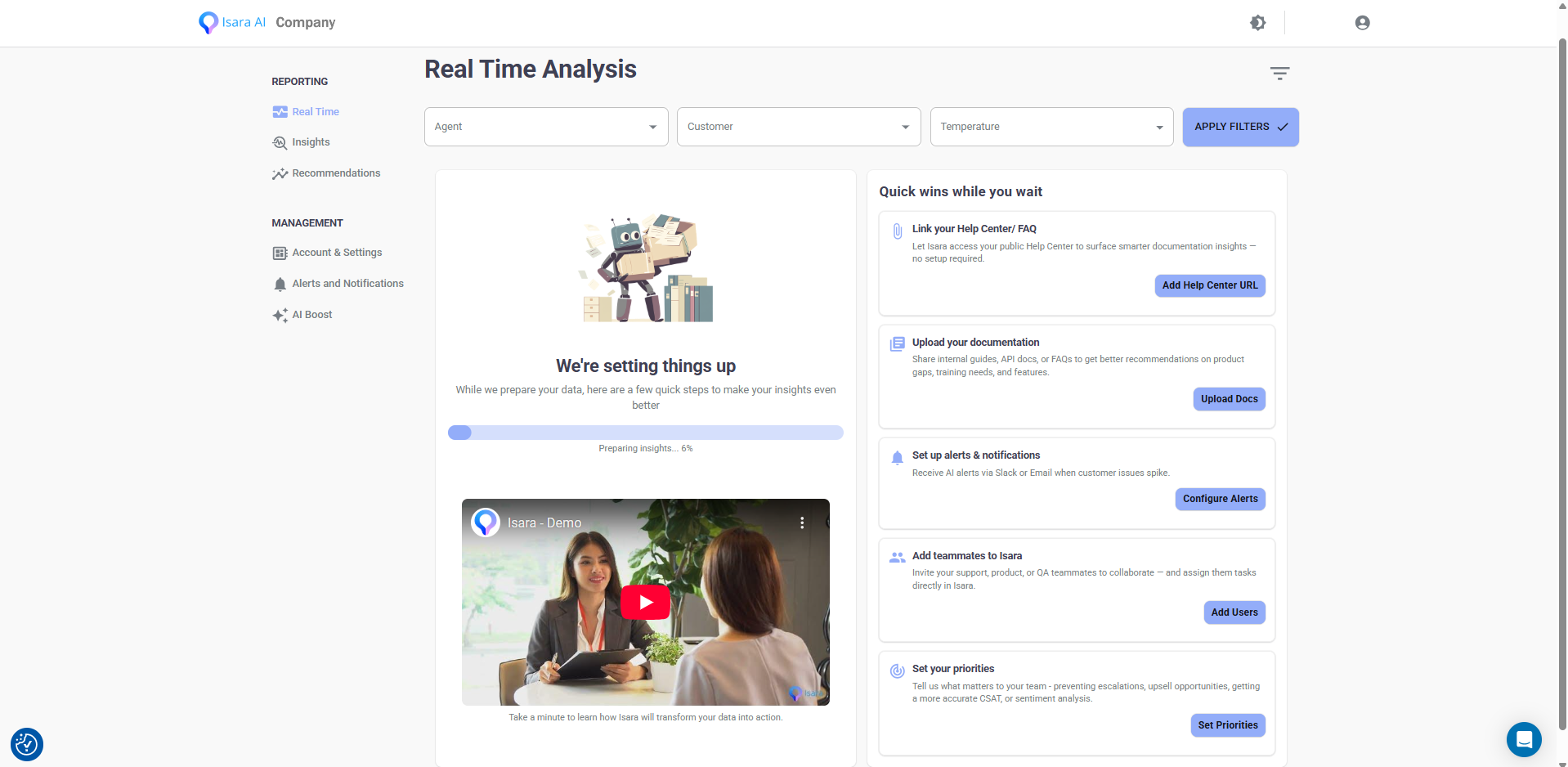
Once you log in, we will automatically connect to your workspace and begin collecting the data needed to run our models. If you have just created your account, it might take a few hours before everything appears in your dashboard. This is a one-time process.
The initial onboarding screen will appear while your data is loading. This is a good moment to add key details about your business either directly in the screen or later in Account and Settings. Providing this information helps Isara generate more accurate recommendations and tailor insights to your specific context.
Your helpdesk platform may ask you to review and approve the permissions required for Isara to function properly. Once accepted, everything else is handled automatically.
Zendesk Integration
Find us on the Zendesk Marketplace or visit insights.isara.ai and connect Isara by clicking the Zendesk logo
After the consent page, you’ll be redirected to the main dashboard. Since data collection begins only at this point, it might take a few hours for us to gather all the data and run our models. Please note that this is a one-time task.
HubSpot Integration
Find us on the HubSpot app store or visit insights.isara.ai and connect Isara by clicking the HubSpot logo
After the consent page, you’ll be redirected to the main dashboard. Since data collection begins only at this point, it might take a few hours for us to gather all the data and run our models. Please note that this is a one-time task.
Intercom Integration
Find us on the Intercom app store or visit insights.isara.ai and sign in using your Intercom login credentials.
After the consent page, you’ll be redirected to the main dashboard. Since data collection begins only at this point, it might take a few hours for us to gather all the data and run our models. Please note that this is a one-time task.

Updated 16 days ago