
Isara integration with Gorgias
Isara analyzes your Gorgias support data to surface critical customer health and success signals.
Gorgias Integration
I. Register via Isara
- Navigate to https://insights.isara.ai/register and click on the Gorgias integration icon.
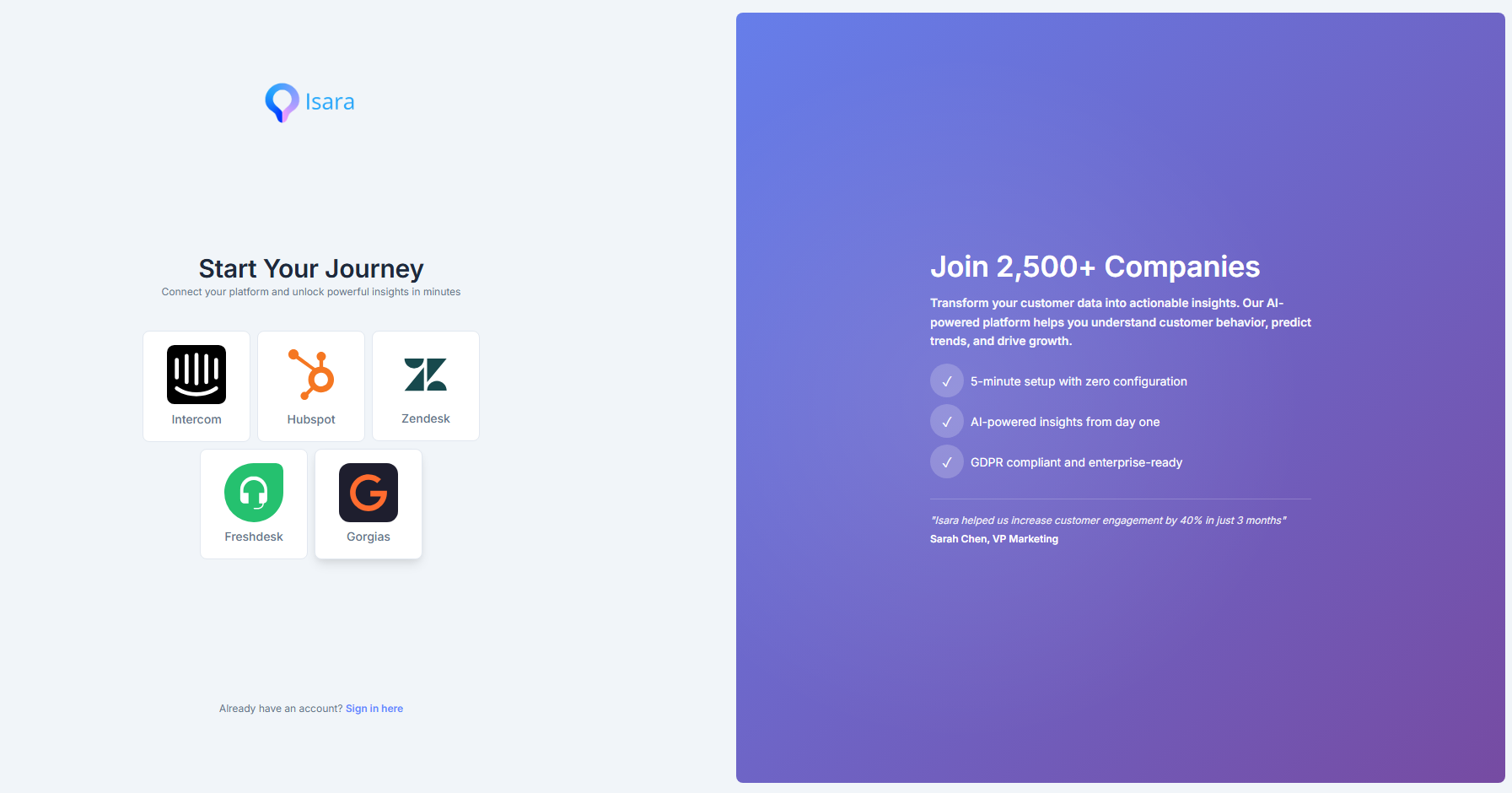
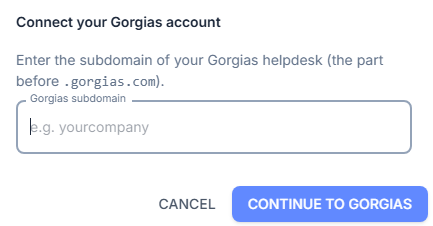
- Enter the subdomain of your Gorgias account (the part before ".gorgias.com" in the URL of your Gorgias space).
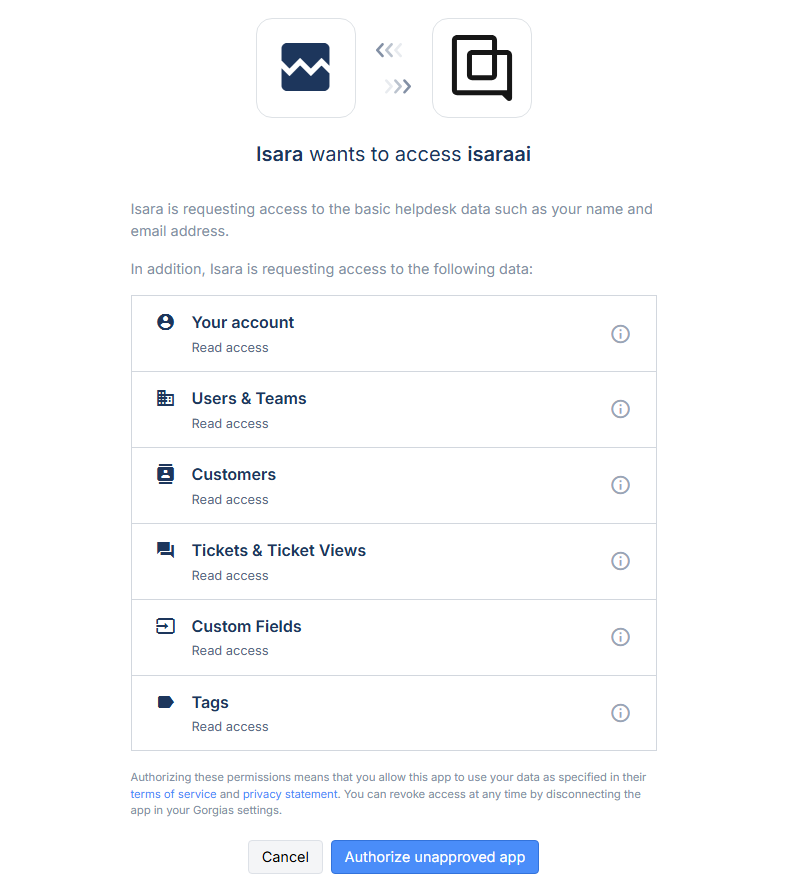
- You must grant Isara access to your Gorgias data, as this is necessary to extract information from your tickets and conversations.
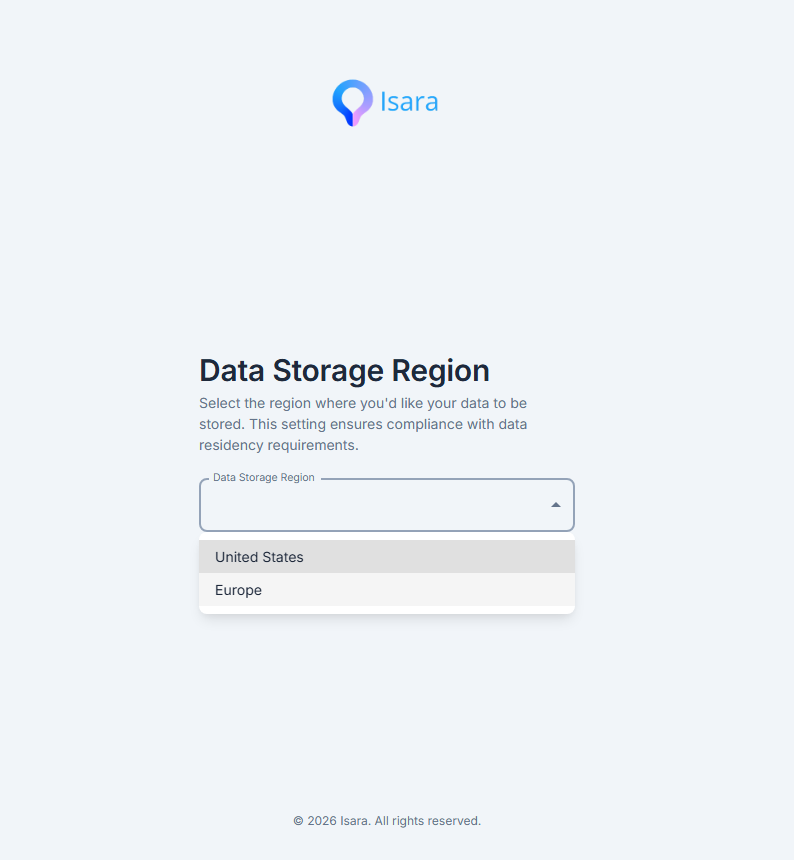
- Select the region where you would like your data to be stored.
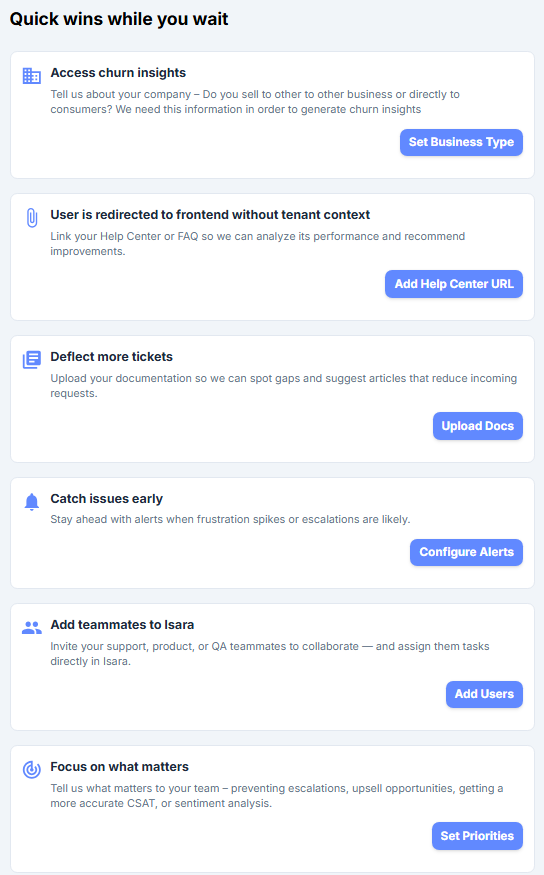
- You will be redirected to the main dashboard. Data collection starts now, but it may take a few hours for us to gather the necessary data and run our models. This is a one-time setup task. While you wait, you can complete the quick checklist to enhance your experience.
II. Install from the Gorgias App Store
Here are the basic guidelines to install the Isara application from the Gorgias App Store:
- Log In as Admin: Ensure you are logged into your Gorgias helpdesk account with Admin or Account Owner permissions.
- Navigate to Settings: Click the Settings icon (the gear) located in the bottom-left corner of your main Gorgias sidebar.
- Open the App Store: Under the main settings menu, look for the App Store section and click on All apps.
- Find Isara: Browse or use the search bar to locate Isara.
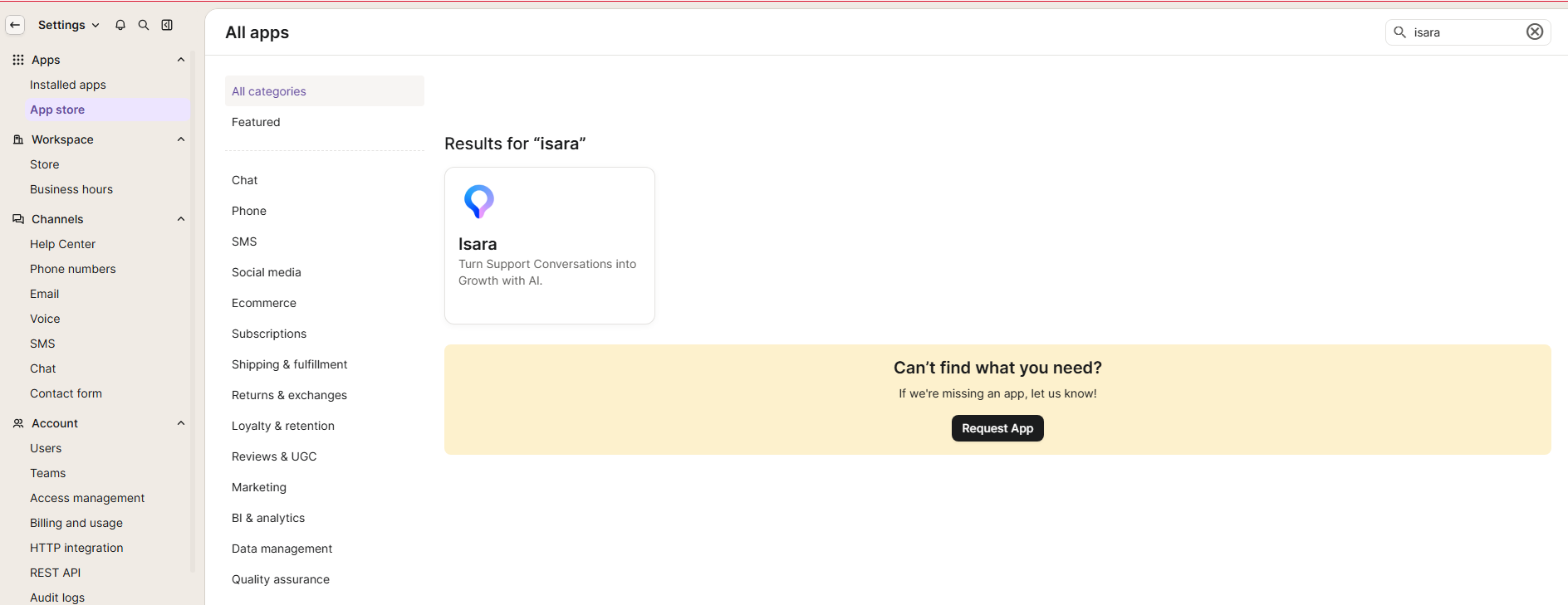
- Connect the App: Click on the application card, and then click the blue Connect App button.
- Authorize Permissions: Review the data and access permissions the app requires to function properly with your helpdesk data, then click Authorize App to complete the connection.
Updated 2 months ago
Did this page help you?