
Isara integration with Zendesk
Isara analyzes your Zendesk support data to surface critical customer health and success signals.
Zendesk Integration
1. Use the Zendesk Marketplace to search for Isara
- In Zendesk, go to Settings and look for Apps and Integrations in the left-hand menu. Click Zendesk Support Apps:
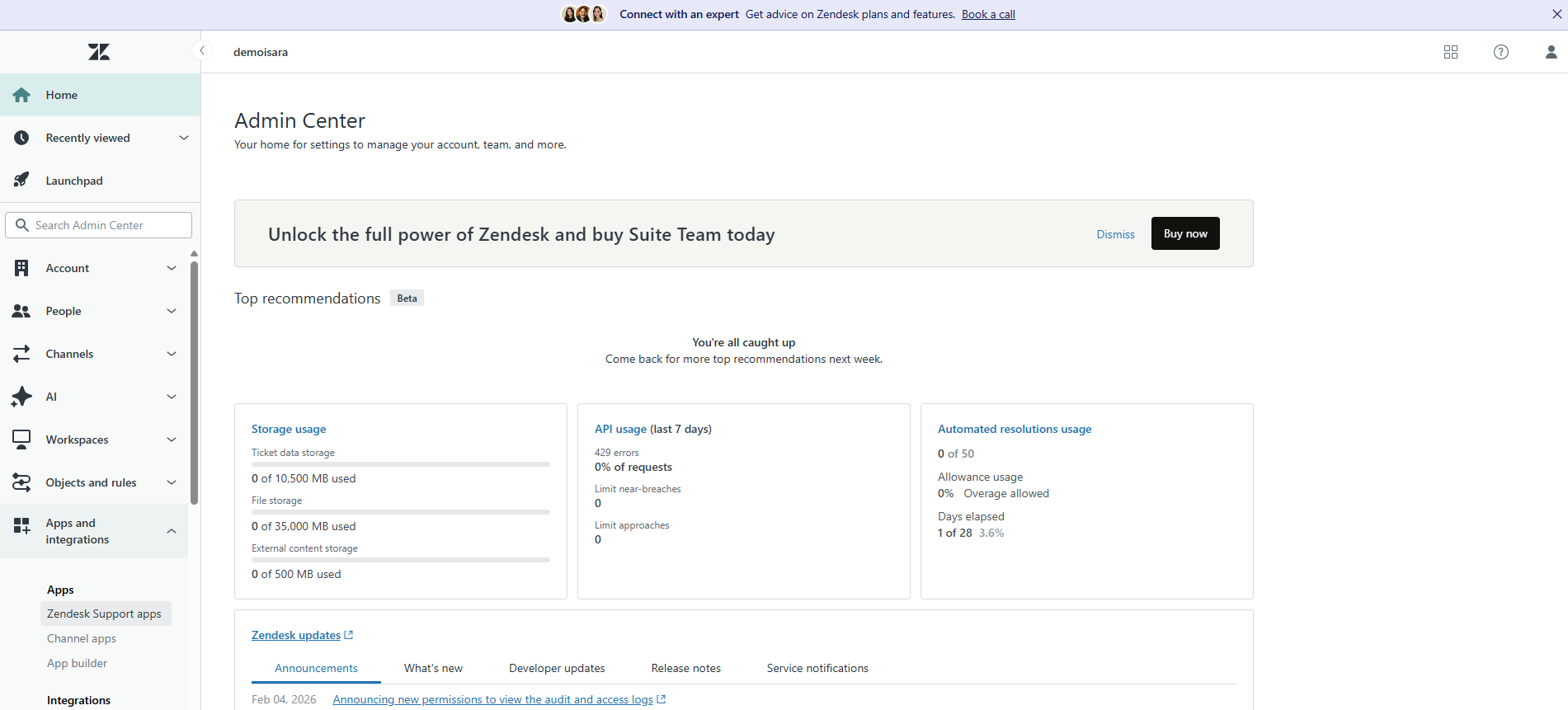
- Click the Marketplace button:
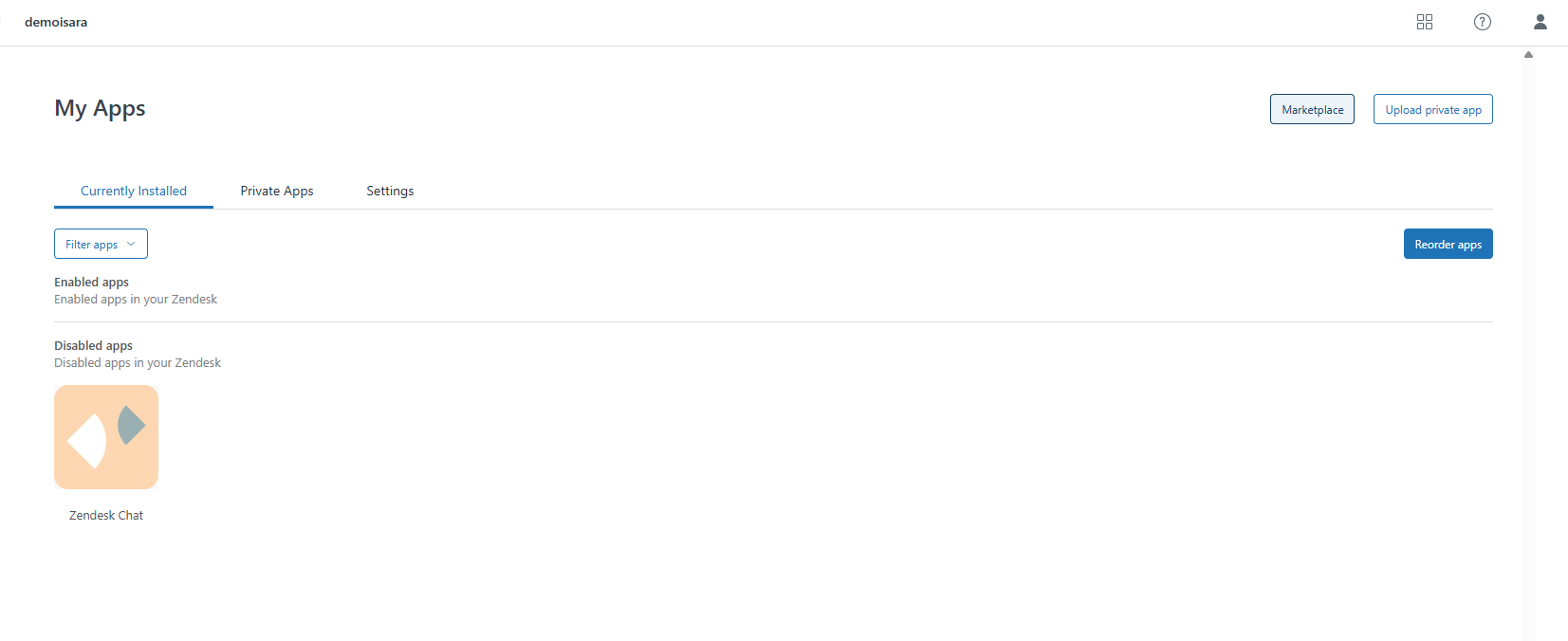
- In the Keywords box, search for Isara. Selecting our app will redirect you to our page in the Marketplace. Click Get set up and follow the instructions:
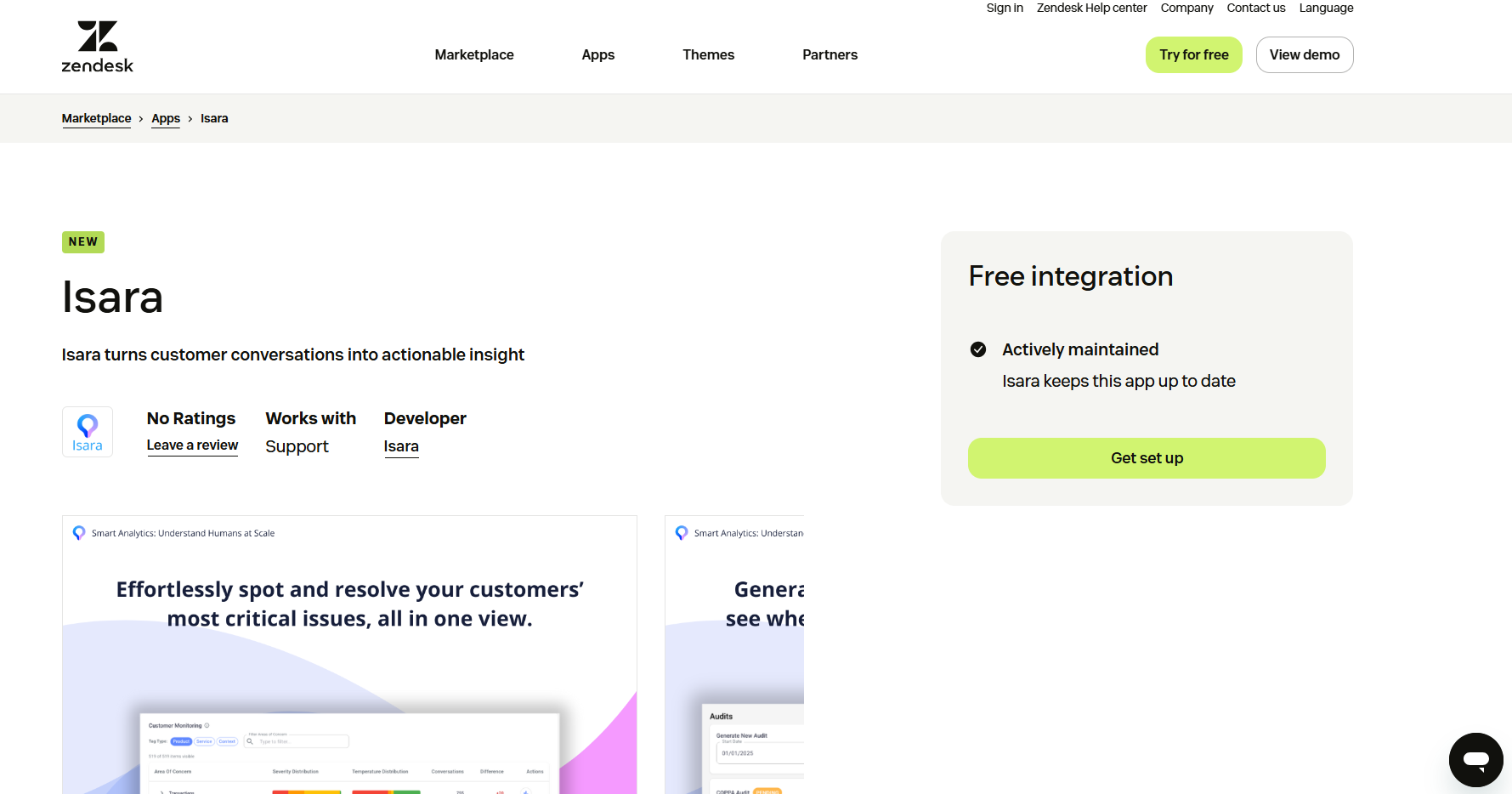
2. Use our Sign In screen to log in with your Zendesk account.
- If you have a Zendesk account, simply visit insights.isara.ai and click the Zendesk logo.
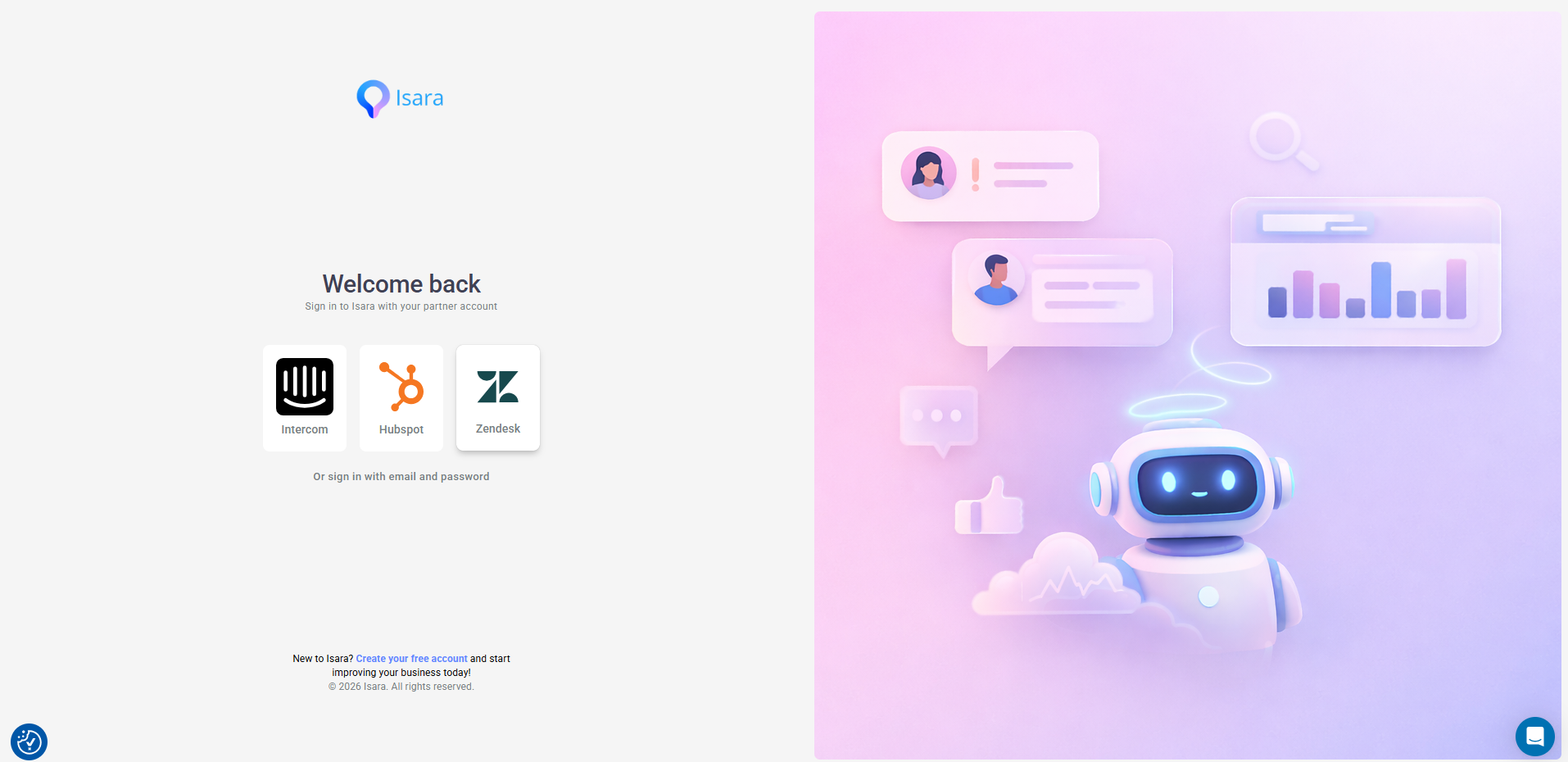
- To link Isara to your Zendesk account, you will be asked to enter the subdomain of your Zendesk workspace. You can quickly find your subdomain by logging in to Zendesk and finding the part of the URL before .zendesk.com(e.g., if the URL is company.zendesk.com, the subdomain is company.)
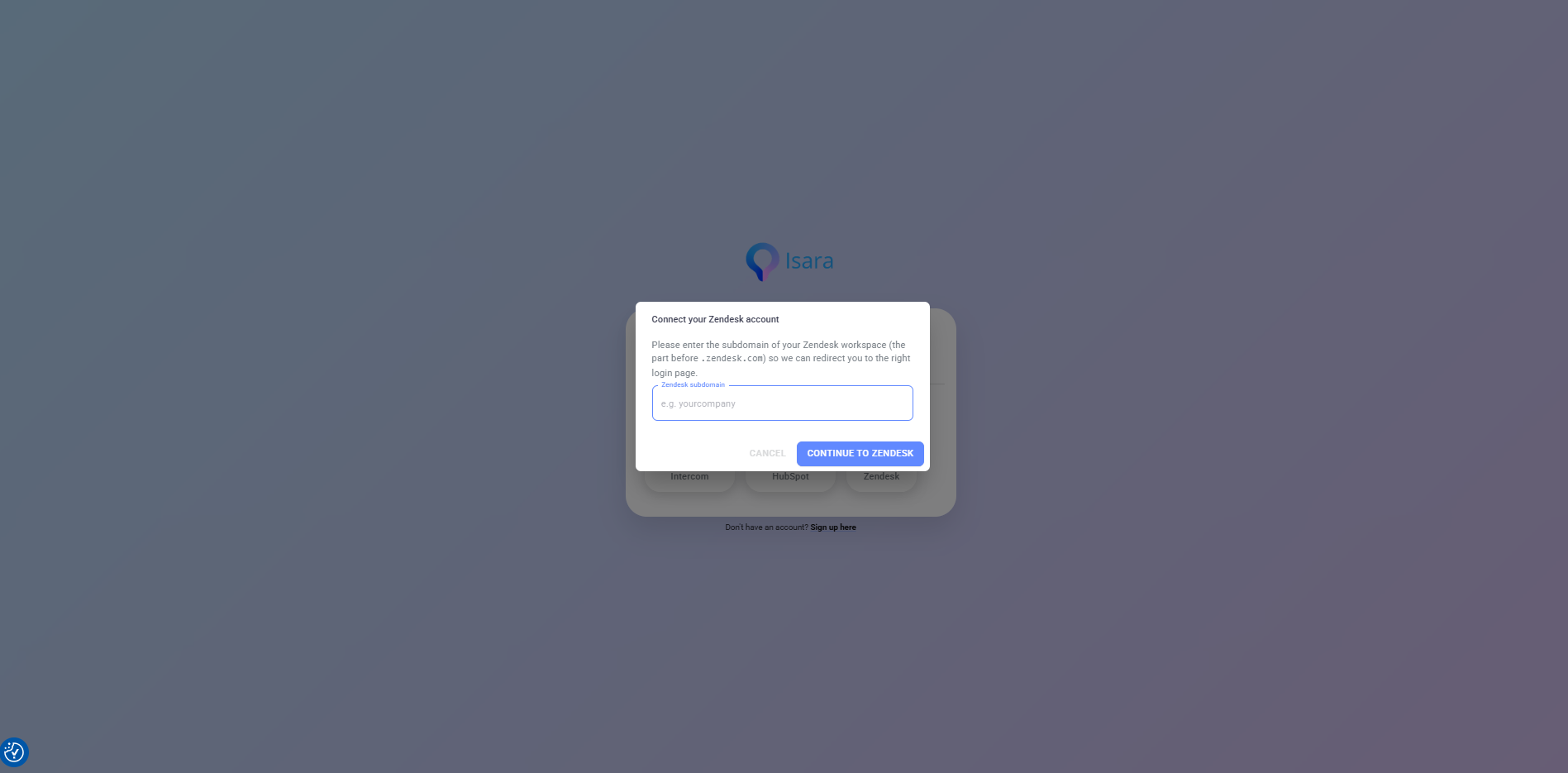
- Choose the region where you want to store your data.
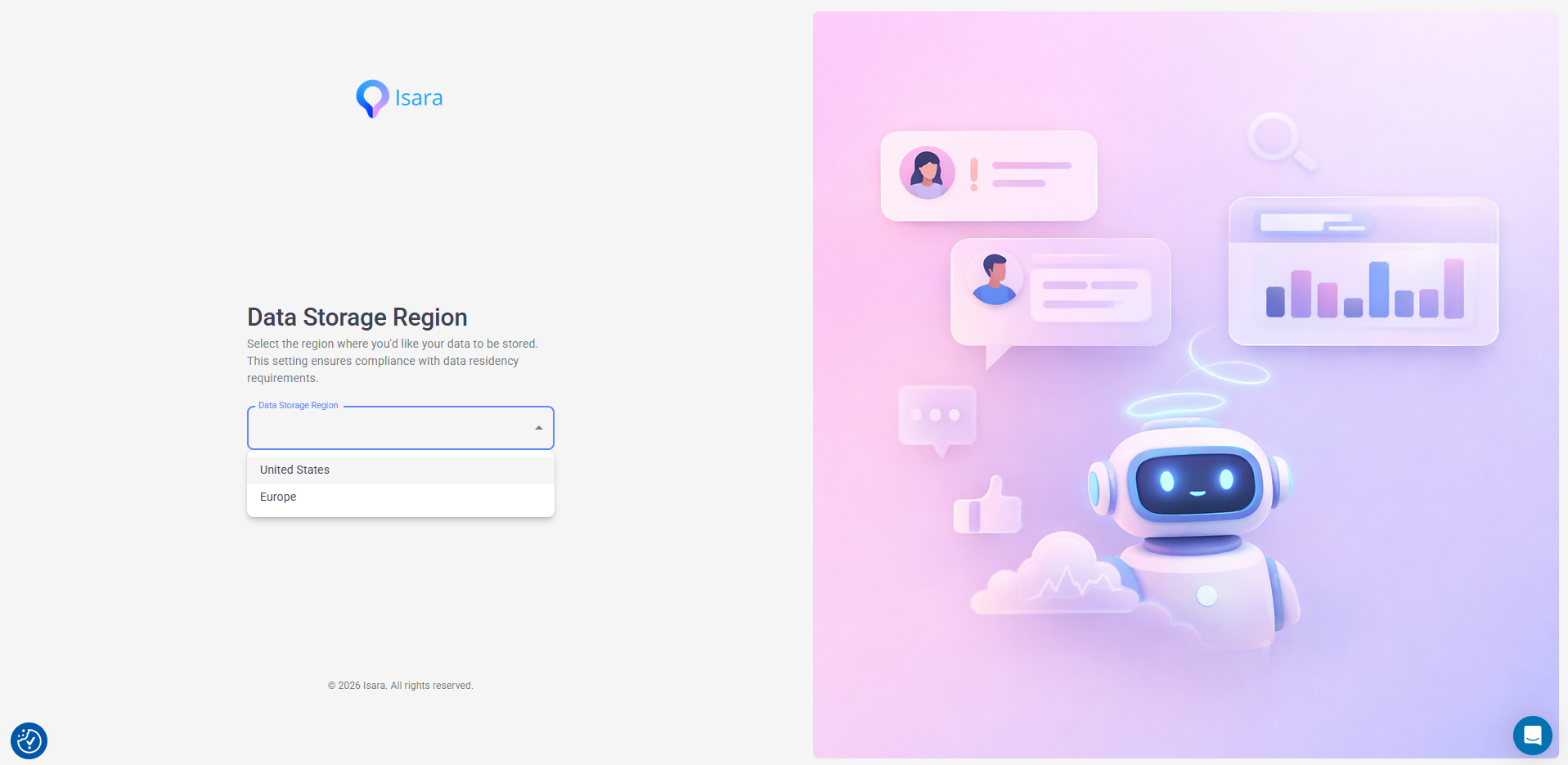
- Click Continue to Zendesk. The following step is required to link your accounts. You must grant Isara access to your Zendesk data, as this is necessary to extract information from your tickets and conversations.
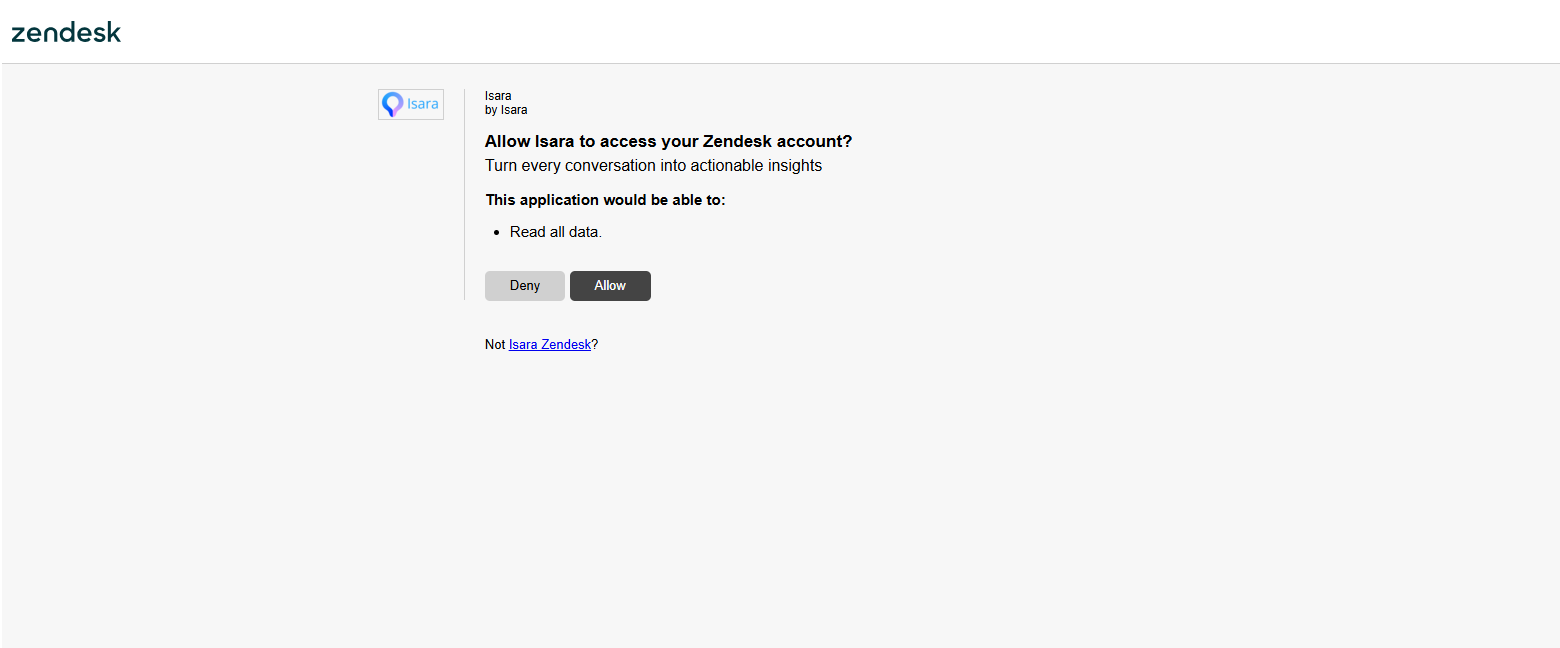
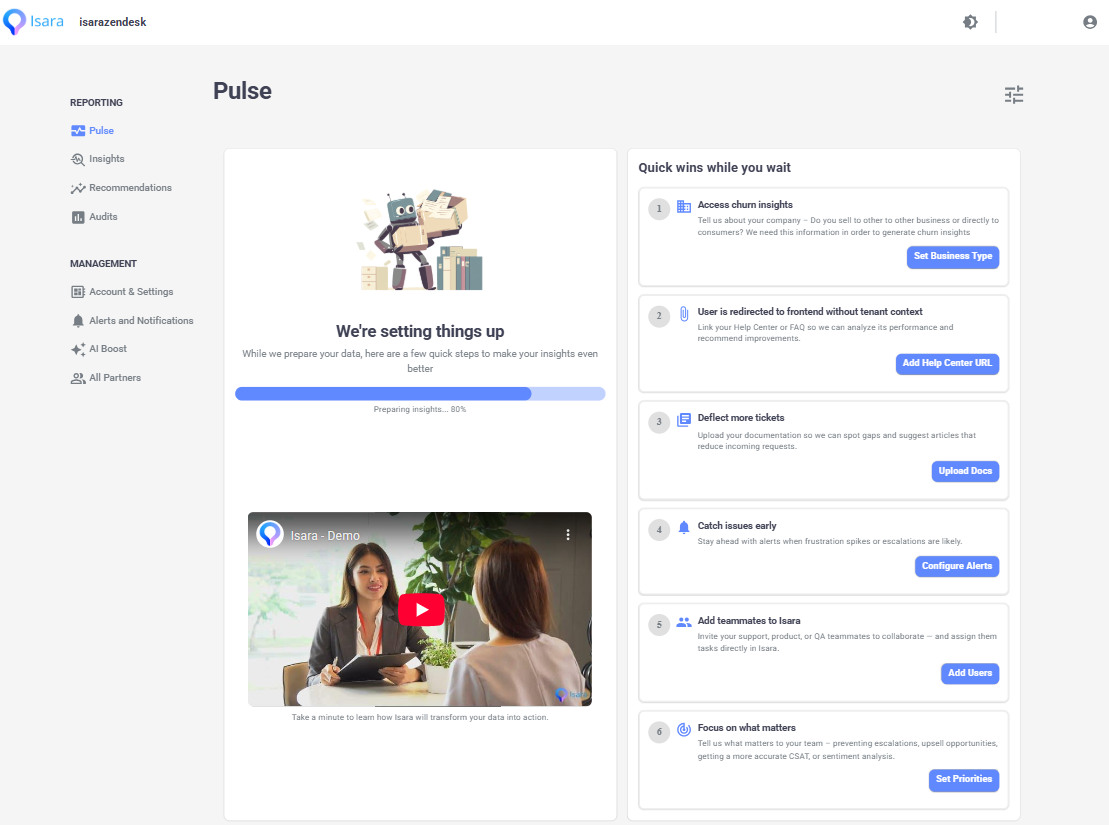
- After authorization, you'll be redirected to the main dashboard. Data collection starts now, but it may take a few hours for us to gather the necessary data and run our models. This is a one-time setup task. While you wait, you can complete the quick checklist to enhance your experience.
Updated about 1 month ago
Did this page help you?