Setting up attributes for HubSpot
The Attribute settings section allows you to push Isara’s AI analysis values directly back into HubSpot for every analyzed conversation. By mapping Isara’s attributes to your HubSpot’s custom properties, you can view Isara’s real-time evaluations directly inside your helpdesk tickets.
Isara writes its analysis to your HubSpot tickets. For this to work, each conversation must be linked to a HubSpot ticket, and the ticket property that receives each attribute must already exist in HubSpot. This guide covers both.
Step 1: Link conversations to tickets
Attributes are written to tickets, so each conversation needs a linked ticket.
Step 2: Create the ticket properties
The list of available attributes can be found in Isara’s Account and Settings, under HubSpot Attribute Settings. The toggle must be activated for the attributes you are interested in. See the example below where Priority Intervention is turned on.
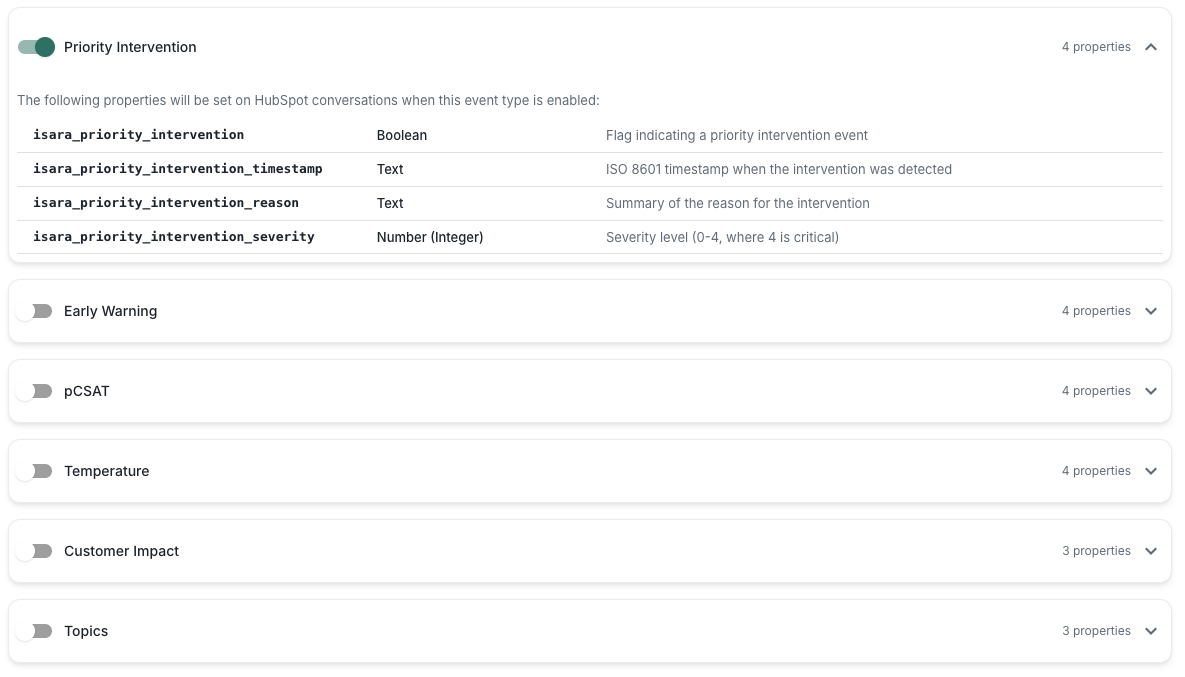 Once the attribute is enabled, Isara will create the corresponding ticket properties in HubSpot.
If you want to view the new properties on a ticket, you will need to update your ticket settings:
1. Open a ticket.
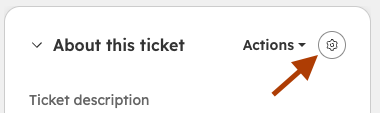
2. Click the settings icon in the left-hand menu of the ticket, next to “About this ticket.”
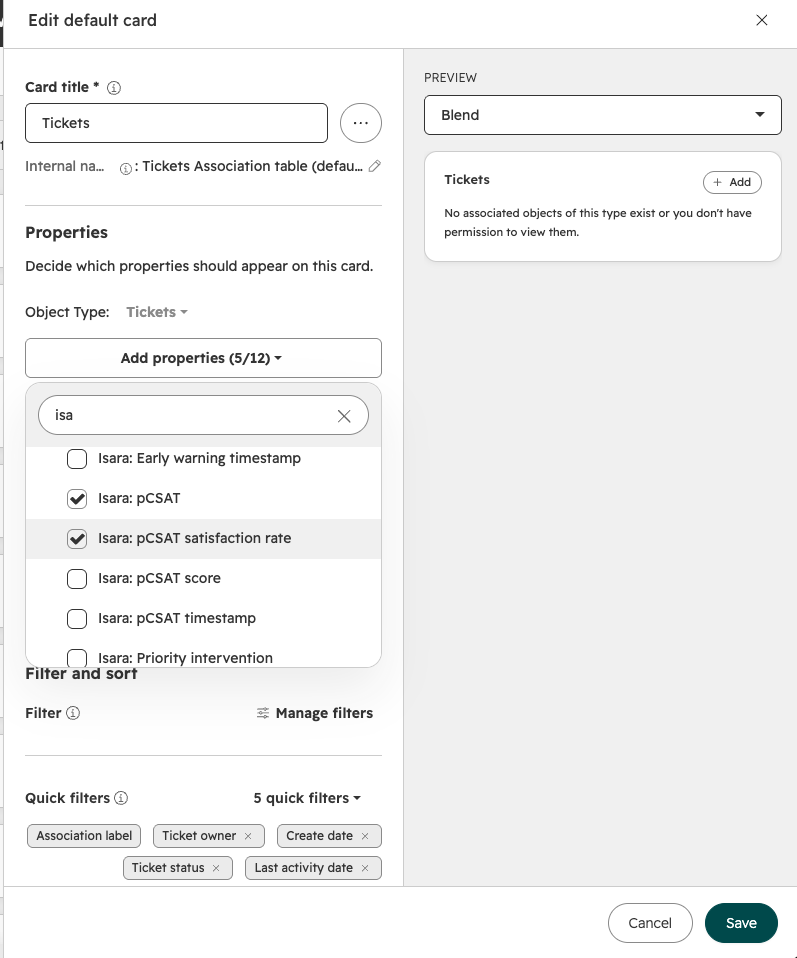
3. You can add ticket properties to all tickets. All Isara properties start with "Isara: ".